- New





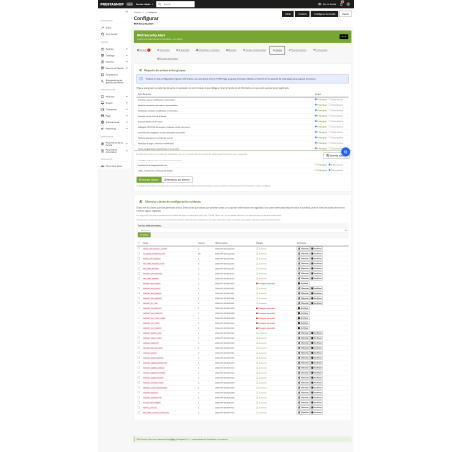



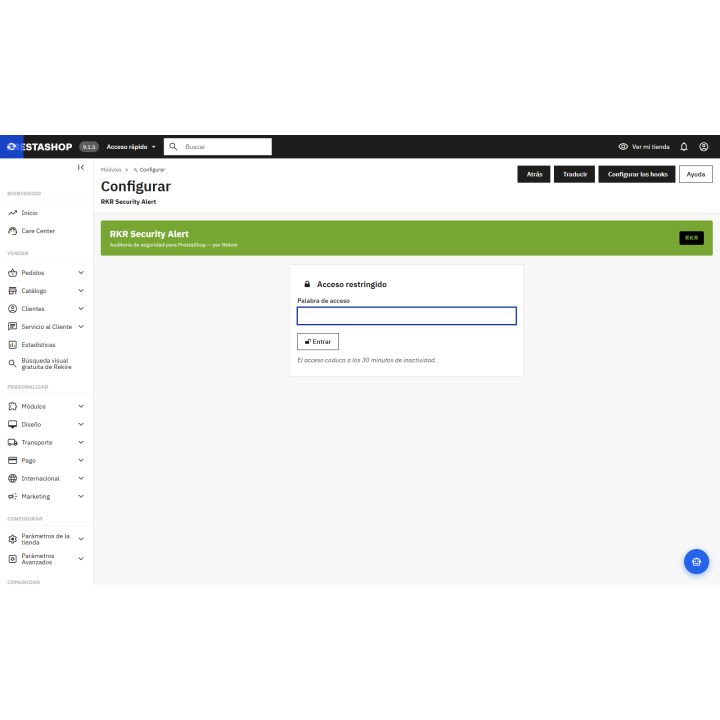

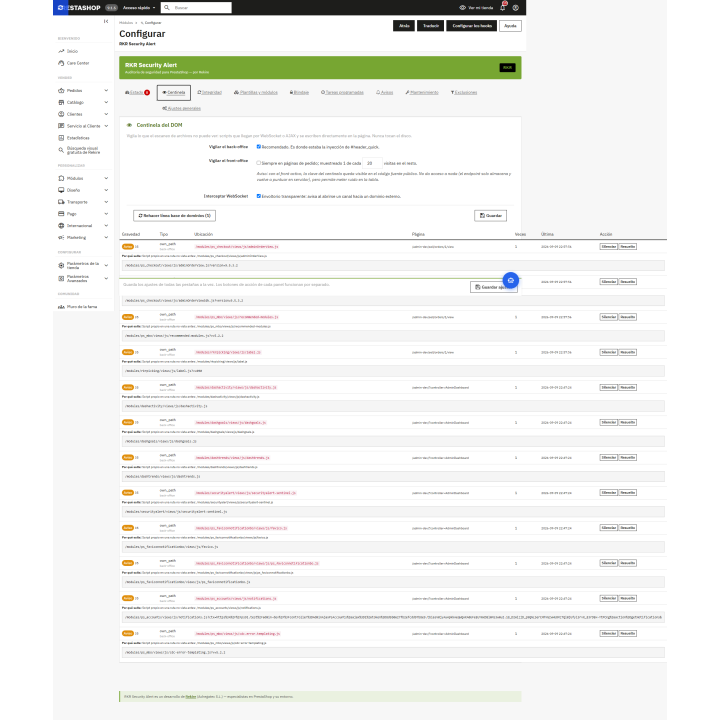
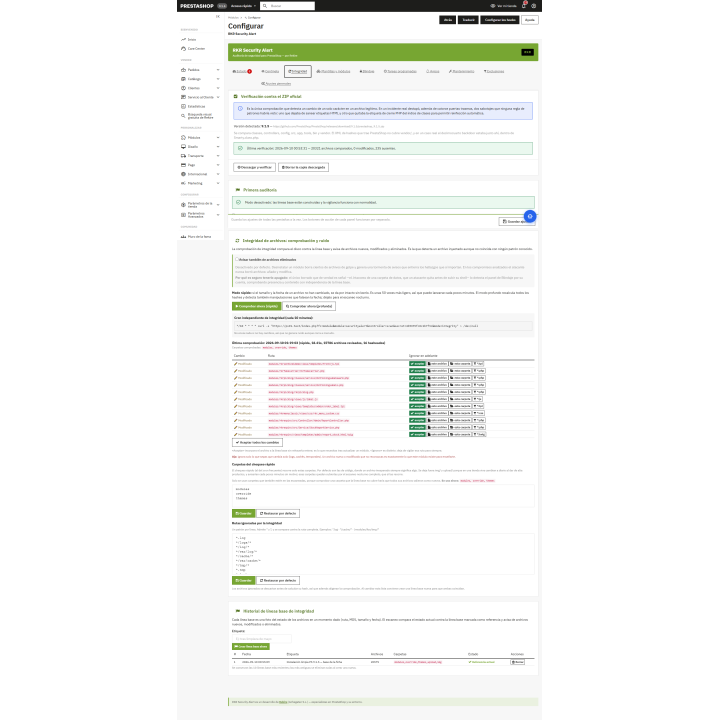

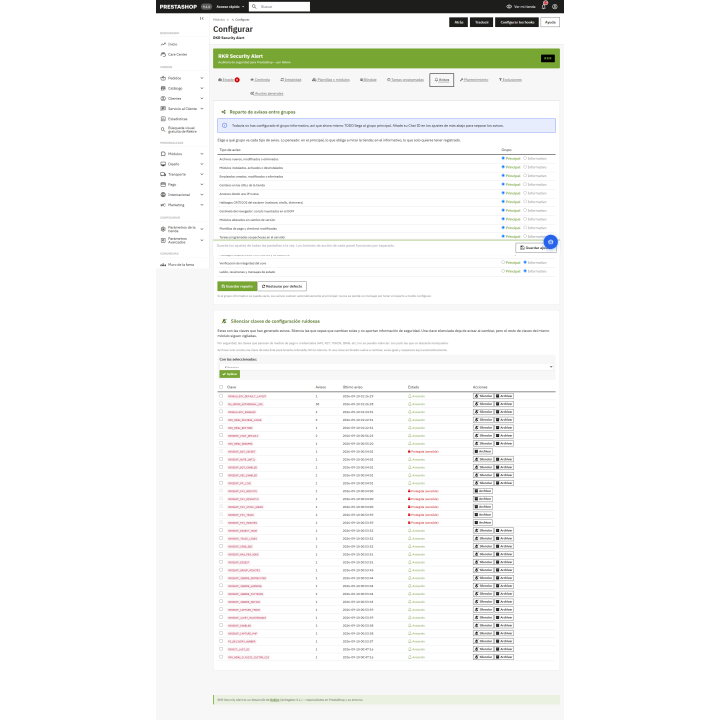

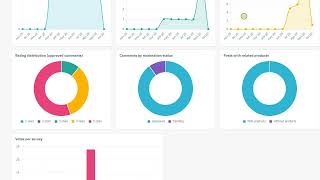
Complete security module images
Security audit and malware detection for PrestaShop, with alerts via Telegram. Monitors configuration (especially payment details), modules, employees, and access, and scans files for skimmers, backdoors, and web shells.
Compatible with PrestaShop 1.7.6 to 9.2.
Security
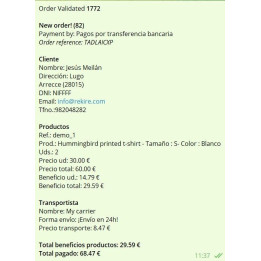
Payment cloners enter, access the payment method, and divert the money without anything being broken. RKR Security Alert monitors the store and notifies you via Telegram as soon as anything changes.
The module saves a snapshot of the configuration, modules, employees, store URLs, and web service accounts, and compares it to the current state. It doesn't rely on PrestaShop events: if someone changes payment information by exploiting a vulnerability, the change will still be reflected.
It scans the store's files for payment cloning, backdoors, web shells, command execution, obfuscation, injected JavaScript, and code hidden in images. It recognizes web shells by their capabilities, compares the core to the official PrestaShop package, and checks folder protection and scheduled tasks. The scan is performed in stages and resumes, so it won't be interrupted by server timeouts.
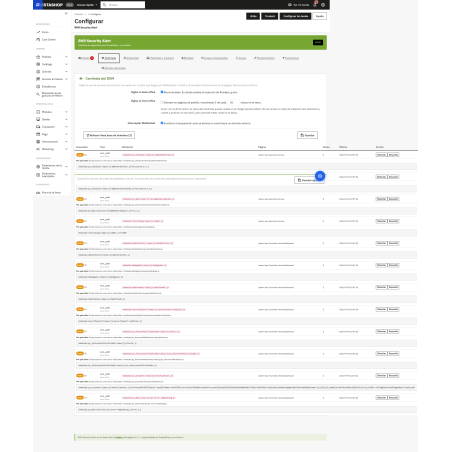
Each discovery brings with it the evidence: what it has found, on which line and from where it is reached, so that you can judge it without opening the file.
Designed for stores that already have compromised systems: it installs in initial audit mode and doesn't scan anything as "normal" until you mark the report as reviewed. This prevents a previous infection from becoming permanently embedded in the system.
The analysis takes place on your server, using rules that are contained within the module itself. No files, fragments, or data from your database are sent to anyone. The only things that are sent are what you configure: the Telegram notification and the geolocation query for an IP address, which can be disabled.
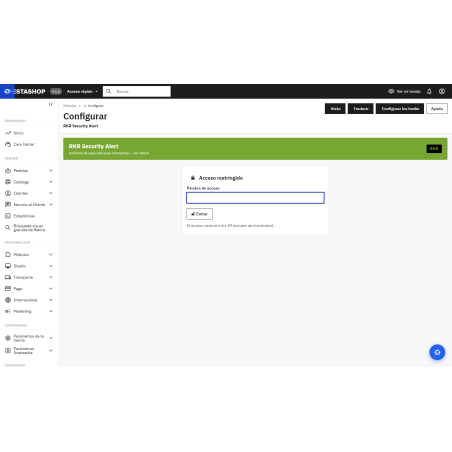
Everything is categorized by severity. You can separate one Telegram group for important matters from another for informational ones, and mute messages you've already reviewed. Telegram is optional: without it, everything remains in the dashboard's notifications. The settings screen also requires a password, so the report isn't visible to just anyone who visits the back office.
What it's not : a firewall or antivirus that blocks attacks. It detects and alerts you. You still need to keep PrestaShop and its modules up to date, use strong passwords, and maintain backups.
Compatible with PrestaShop versions 1.7.6 through 9.2
Developed and maintained by REKIRE
v3.23.1
Found when setting up the comparison against the archived packages, and it is one of those that go unnoticed because its symptom is silence.
isKnownHash() was manually writing LIMIT 1 in a query that goes through Db::getValue() ` — and getValue() adds its own. The query ended with LIMIT 1 LIMIT 1 , MySQL rejected it due to syntax, and the function's own try/catch turned the exception into false .
So the filter that the code describes as "the cheapest and the one that reduces the most noise" had been responding "not known" to all files since it was written . And there was no way to notice: a fake "not known" response is indistinguishable from a file that is genuinely not on the list. It only becomes apparent by intentionally loading the table and verifying that it still doesn't recognize anything.
Measured on a PrestaShop 8, with the 11,303 archived package hashes loaded:
| | before | after | |---|---|---| | Files recognized as published | 0 | 2,290 of 3,696 (62%) | | Findings in modules/ | 75 | 23 | | Of these, critical | 3 | 1 |
tests/ listablanca.test.php (8 checks, needs store) enters a hash and asks for it, which is a single line and I would have caught this the day it was written. Also verified by intentionally re-entering the error: it turns red.
This also clarifies what makes a hash-based whitelist useful, rather than a path-based one: it stops being applied as soon as a single byte in the file changes. A path-based exception would still block the file even after someone replaces it—which is precisely the flaw that cost version 3.17.0.
---




Nobody has asked anything about this product yet.