Sale by length
Your customer knows how many meters they need. Not how many reels.
If you sell cable, rope, hose, or skirting board, every order ends with a query to calculate how many units to send. RKR Linear Pricing Pro lets the customer enter the meters and calculates the reels, lengths, bundles, or full cuts for them.
4 ways to sell
reels or drums, lengths, bundles of lengths and cut to size
6 units of measurement
mm, cm, m, km, ft and inches, at the store level or by product
23 color themes
To make the calculator fit your store, more adjustable styles
Type in the meters, receive the correct units
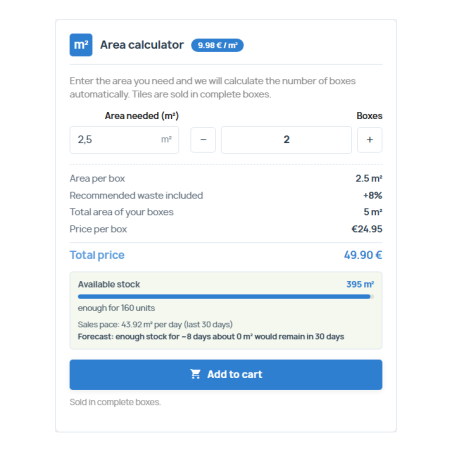
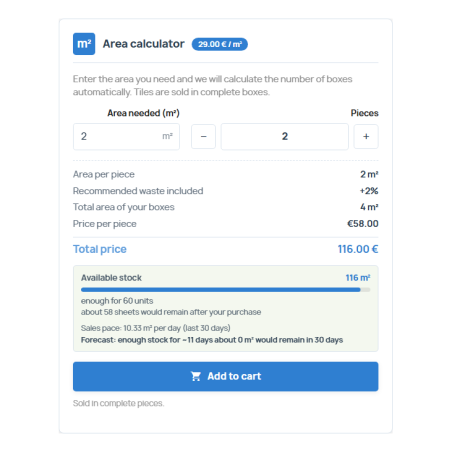
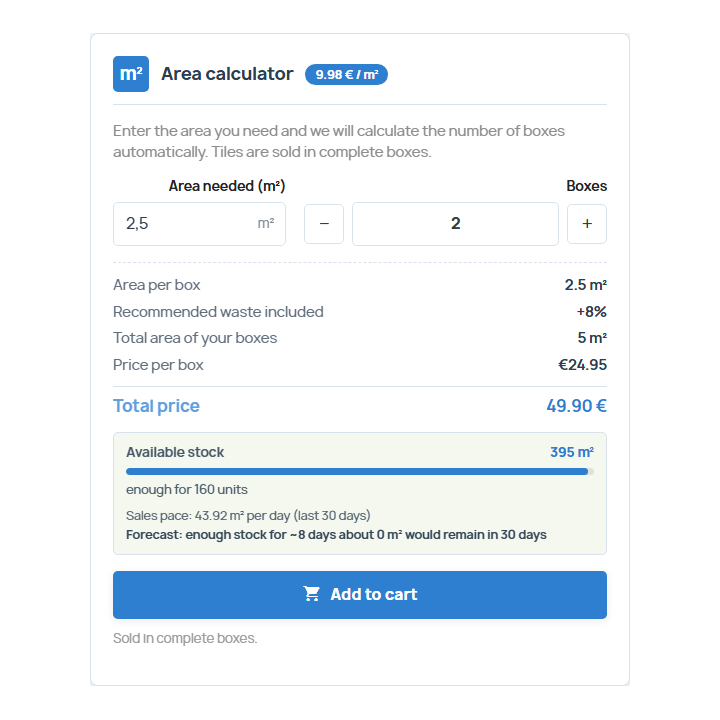
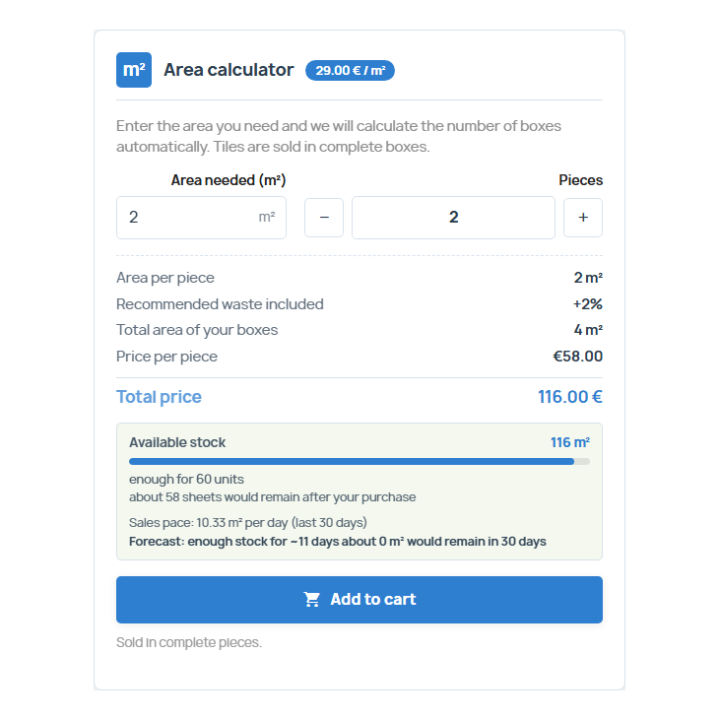
The product page includes a calculator: the customer enters the required length and instantly sees the corresponding number of units, the total length they will receive, the price per unit, and the total price. The price of your product is for one unit; the module does not affect PrestaShop's pricing.
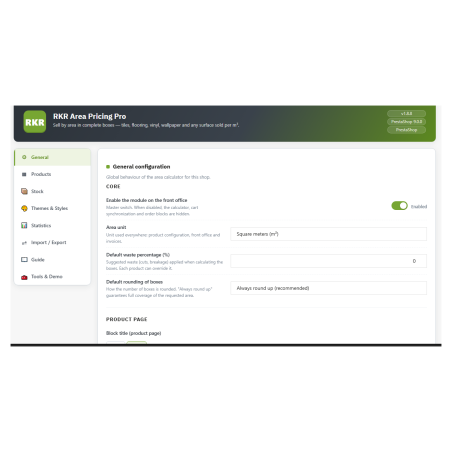
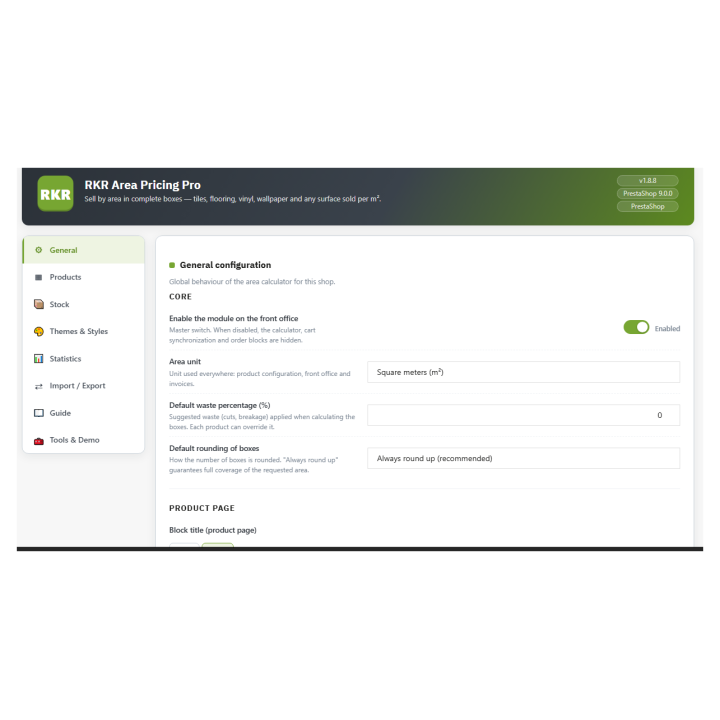
The calculation adds up the waste you specify (a default percentage and another per product) and rounds up by default, so no one runs out of material. If you prefer, you can also round to the nearest percentage or down. And you can set a minimum and maximum number of units per product.
/ One way to sell for each material
Complete reels and drums
Cable, rope, chain, hose or LED strip in reels of the length you specify: the customer asks for meters and whole reels are counted.
Full sections or lengths
Tubes, profiles, moldings, skirting boards or rolls of fabric with the length you specify per section.
Packages of sections
You specify how many sections the package contains and how long each one is, and the module calculates the length of the package.
Custom cut
It is sold in cutting increments, for example, 1 meter or 0.5 meters. The PrestaShop shopping cart only accepts whole quantities and respects this.
Stock is measured in meters, not in individual units
You declare the meters you have (or the number of coils or sections and the length of each) and the module deducts the sales directly from the orders, without scheduled tasks or discrepancies. On the customer's record, they see a stock bar, what will remain after their purchase, your sales rate for the last 30 days, and a forecast of days of stock remaining.
You set a notification threshold for each product, and you receive an email when the stock level exceeds it. If the product is out of stock and special orders are not enabled, the purchase is blocked on the product page and also on the server. If you sell on a special order basis, you activate that option for the product.
The length travels with the order to the end
In the shopping cart, each line displays the units, the length of each item, and the total length, while the footer sums the order total. This information is also included in the order confirmation, the customer's order details, the back-office order, the PDF invoice, and order emails. Each order saves a snapshot of the items purchased, so a subsequent change to the settings will not affect previous orders.
In the back-office order list, you can view and filter the meters sold. It doesn't add columns to the order's product table, which PrestaShop doesn't allow you to modify; the length appears in a separate block within the order details.
/ A panel with everything at hand
Products
You register a product by ID or reference and edit the unit length, format, unit, waste, minimum, and maximum directly in the table. Live search and pagination are available, and you can also configure these features from the product's tab.
Stock
Low stock and out-of-stock alerts, adjustments with movement log and CSV export.
Statistics
Indicators and graphs of sales by length, without external services.
Import and export
Products, orders and stock in CSV format compatible with Excel, and a complete backup in JSON.
Themes and styles
23 themes with preview, adjustable colors, borders and shadows, and your own CSS.
Guide and tools
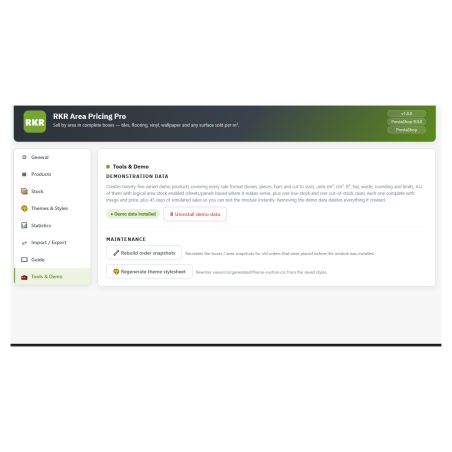
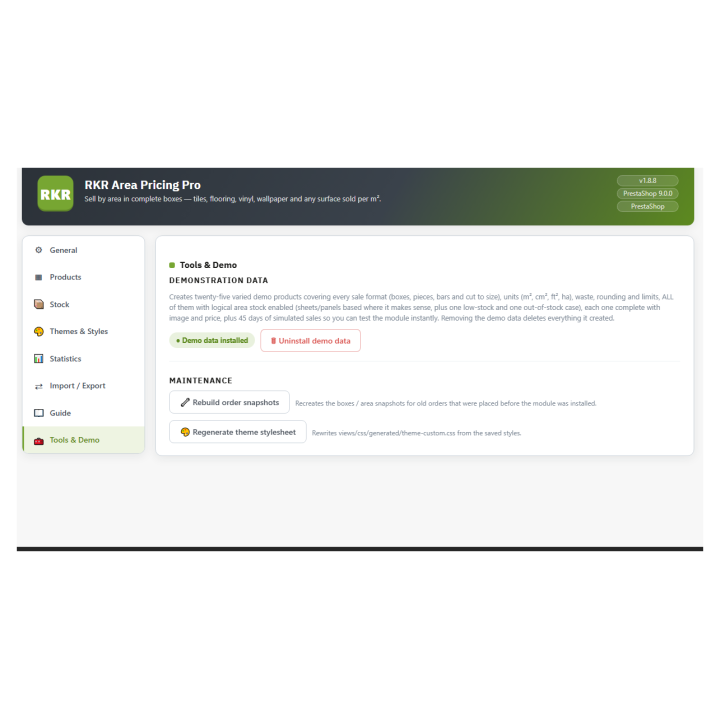
User guide inside the module and 16 demonstration products (cables, hoses, profiles, fabric, tube packs) to see it working before setting up your own.
Designed for your store
Multi-store and multi-language: the calculator text is editable by language. The module includes the Spanish translation and displays prices in your store's language format.
It's part of a family. RKR Linear Pricing Pro shares the same approach as RKR Area Pricing Pro, RKR Volume Pricing Pro, and RKR Weight Pricing Pro, which sell based on area, volume, and weight. Each has its own tables and settings.
/ Updating means uploading the ZIP file.
If you already have it installed, simply upload the new version over the existing one and the migrations will be applied without losing your settings. You can keep your data when uninstalling.
Compatible with PrestaShop 1.7.8 to 9.x
Developed and maintained by REKIRE