Volume sales
Your customer knows how many cubic meters they need. Not how many sacks, drums, or big bags.
If you sell concrete, aggregates, firewood, or heating oil, every order ends with a call to calculate quantities, or with a customer who doesn't order enough. RKR Volume Pricing Pro lets you type in the volume and calculates the exact number of units you need to buy, including waste and rounded up.
17 sample products
concrete, sand, big bags, blocks, drums, firewood, beams and round bars ready for testing, with cases of low and out-of-stock items
5 volume units
mm³, cm³, m³, liters and ft³, with m³ as the basis for statistics and totals
23 color themes
so that the calculator fits your store without changing templates
The client enters the volume, the module calculates the rest
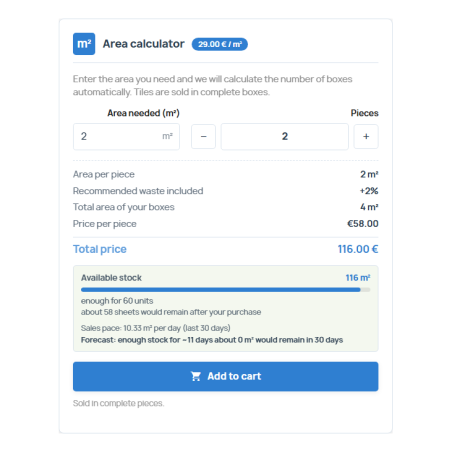
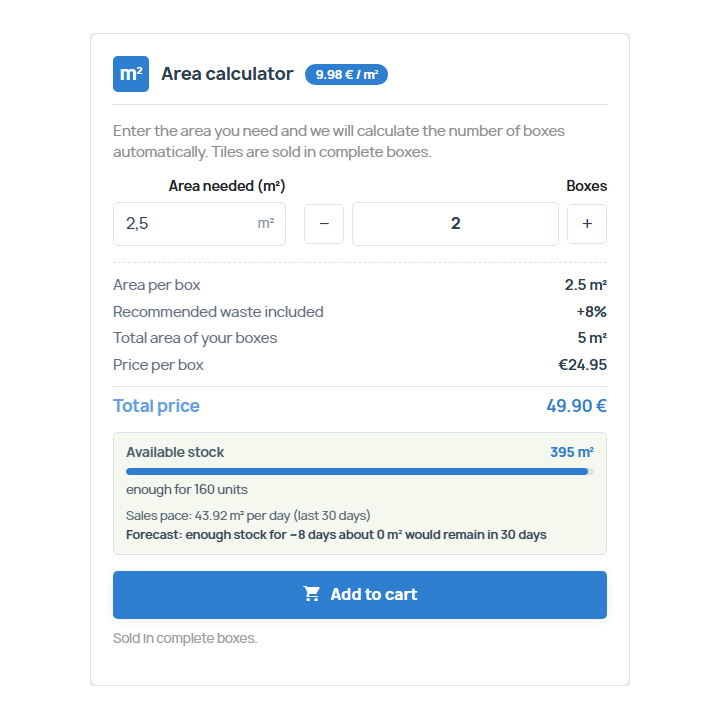
The product page includes a calculator: the customer enters the required quantity and instantly sees how many full units they'll receive, the total volume, the price per unit, and the total. The module accounts for any waste you've configured and always rounds up (you can also choose rounding to the nearest whole number or down), with minimum and maximum values per product. No one receives half a sack or runs out of material.
The product price is for one unit of sale: the module does not touch the PrestaShop prices, the total is units times price.
/ Sell each material in its format
Sacks, bags and big bags
You indicate how much volume each one contains and the customer buys whole units: cement, mortar, gravel, soil, expanded clay.
Complete pieces
Blocks, prefabricated items, drums, 1,000 liter containers, firewood by the stereo: each piece with its volume.
Packages
Steel beams, profiles or rounds: you indicate the section and the length and the module calculates the volume of each piece.
In bulk, by cutting steps
Concrete or sand per full m³, or in half cubic meter increments, however you serve it.
/ Stock in cubic meters, without cron or discrepancies
You declare your stock volume (or the number of pallets or packs and the volume of each), and the module calculates sales based on orders, so the available stock remains synchronized. On the customer's page, they see the stock level bar, what remains after their purchase, and a forecast of days based on the sales rate of the last 30 days.
Email alerts
It notifies you only once when a product crosses the threshold you set, and it resets when restocking.
Out of stock, no sales
If there is no stock and you do not accept backorders, the button and controls are locked, and the server also corrects the cart if someone forces the URL.
Record of movements
Each stock adjustment is saved with the previous value, the new value, the reason, and the date.
Everything travels with you, even the bill.
The units and volume are displayed in the shopping cart (by line and in the footer), in the order confirmation, in the customer's order details, in the back-office order record, on the PDF invoice, and in order emails. Each order saves a snapshot of units, volume, and price, so the history remains unchanged even if you modify the product later. You can filter by volume in the order list.
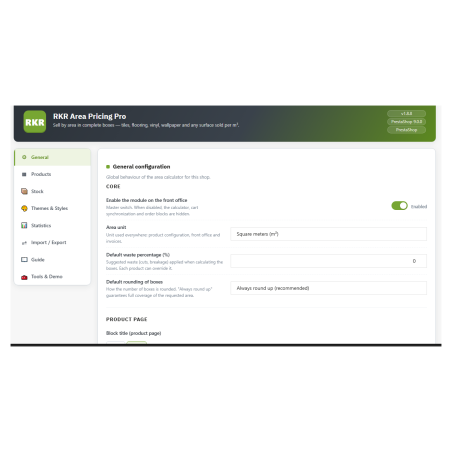
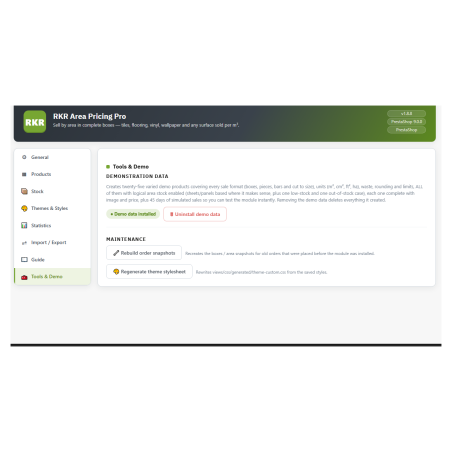
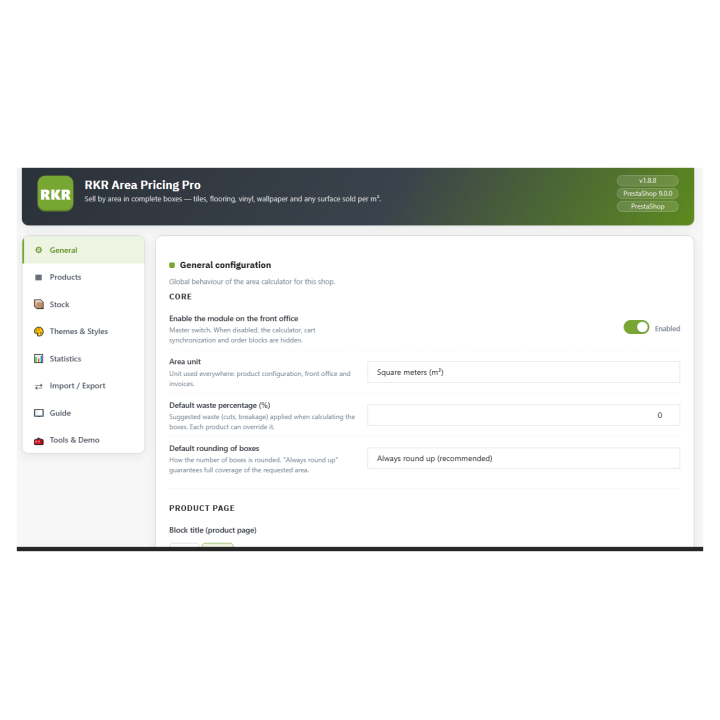
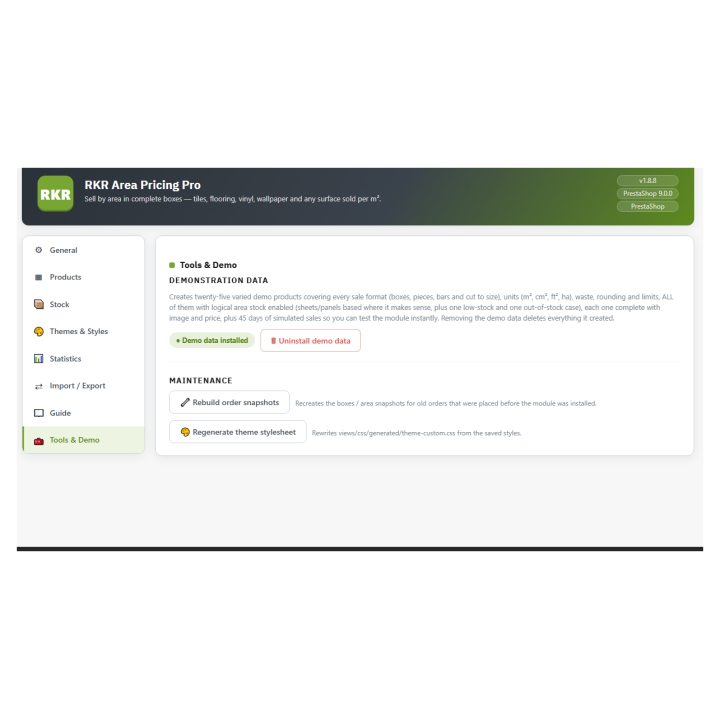
Your team works from an 8-tab panel: General, Products, Stock, Themes and Styles, Statistics, Import/Export, Guide, and Tools and Demo. Additionally, each product has its own settings tab on its edit page.
Measure and move your data
Statistics for 30 days, 90 days, a year, or the entire historical data period, with custom charts that don't rely on external services. Import and export products, orders, and stock in Excel-compatible CSV format, and create complete configuration backups in JSON. Multi-store and multi-language support: the calculator text is written in each language, and the module includes a Spanish translation.
/ Part of a family
RKR Volume Pricing Pro is part of a family of Rekire measurement-based pricing modules, along with RKR Area Pricing Pro (by area), RKR Linear Pricing Pro (by length), and RKR Weight Pricing Pro (by weight). They share the same interface and functionality, and you can combine them within the same store depending on how each product sells.
/ Updating means uploading the ZIP file.
You upload the new version over the old one: the module applies the database changes without losing your settings. When uninstalling, you decide whether to keep your data.
Compatible with PrestaShop 1.7.8 to 9.x
Developed and maintained by REKIRE