Sale by weight
Your customer knows how many kilos they need. Not how many sacks.
Cement, aggregates, steel, and screws are ordered in kilograms or tons, but PrestaShop sells whole units. The result: incorrect calculations, phone inquiries, and orders that fall short. RKR Weight Pricing Pro Let the customer type in the weight and calculate for them the complete units they need to buy.
6 units of weight
mg, g, kg, t, lb and oz: you choose the one from the store and you can change it product by product.
4 ways to sell
sacks or bags, pieces, packages of pieces and weighing by complete steps
1.7.8 → 9.x
a single version of the module for your PrestaShop stores
/ The customer enters the weight in kilograms; the module counts the bags.
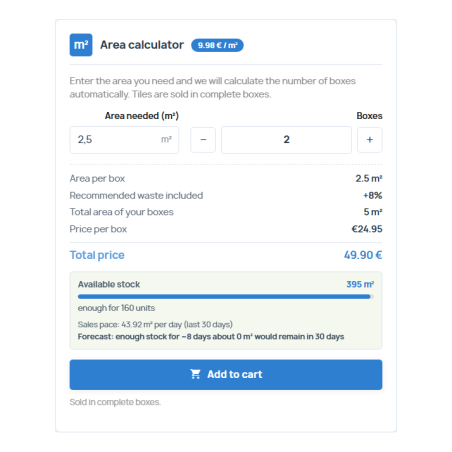
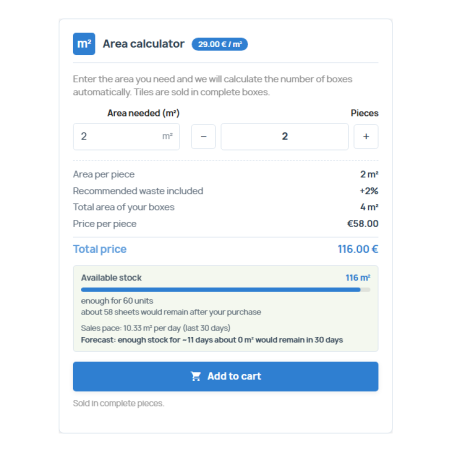
The product page includes a calculator: the customer enters the required weight and instantly sees how many units they need, the total weight they will receive, and the price. They can enter in kg, tons, grams, or pounds. If they need 430 kg and your bag weighs 25 kg, the tool doesn't leave them hanging: it calculates the number of units needed to fulfill the order.
Shrinkage included
You define a default waste percentage and another for each product. The calculation adds them up before counting the units, so no one runs out of material.
Rounding up
By default, the module rounds up, because a bag isn't sold in halves. If you prefer a different approach, you can choose rounding to the nearest whole number or rounding down.
Minimums and maximums
Set a minimum and maximum number of units per product, for example for a block that you only sell in sets of ten.
Clear price
The product price is per unit, and the module does not affect PrestaShop prices: the total is units multiplied by price. Optionally, you can also display the price per unit of weight.
/ For what you sell by weight
Each product chooses its sales method and unit:
Sacks, bags and big bags
Cement, mortar, adhesive, animal feed or gravel in big bags: you indicate the weight of each bag, in kilos, tons or pounds.
Complete pieces
Blocks, drums, steel plates or prefabricated slabs, each with its own weight.
Parts packages
Bundles of corrugated sheets or mesh: you indicate how many pieces the package contains and how much each one weighs, and the module calculates the weight of the package.
Step weighing
Bulk aggregates, steel cut to weight or bulk feed: you sell in whole weight increments, for example 5, 25 or 50 kg.
/ The entire weight travels with the order
The information isn't just stored on the order form. Units and weight appear on every line of the shopping cart, with a summary of the total at the bottom; in the order confirmation; in the customer's order details; in the back-office order record; on the PDF invoice; and in order emails. Each order saves a snapshot of what was sold (units, weight per unit, total weight, and unit weight), so the history doesn't change even if you modify the product later.
In the back-office order list, you have a filter by weight. Even if you sell in tons or pounds, the totals are normalized to kilograms for easy comparison.
/ Stock by weight, without timing and without discrepancies
You declare the stock by weight (or in packs of a fixed weight), and the module calculates the available stock by subtracting what has been sold, based on the orders themselves. There are no processes that can become unsynchronized. The customer can see how much stock is left on the product sheet, and using sales data from the last 30 days, you can see a forecast of days of stock remaining.
Alert threshold
Set a threshold per product and receive an email when the stock crosses it, to replenish in time.
Out of stock, no sales
If an item is out of stock and you don't allow backorders, purchase controls are disabled. Additionally, the server corrects the shopping cart: even if someone forces the quantity via URL, the line item will be adjusted or removed.
Orders on hold
If you activate it for a product, it can continue to be sold even when it is out of stock.
Record of movements
Each stock adjustment is recorded with the previous value, the new value, and the reason.
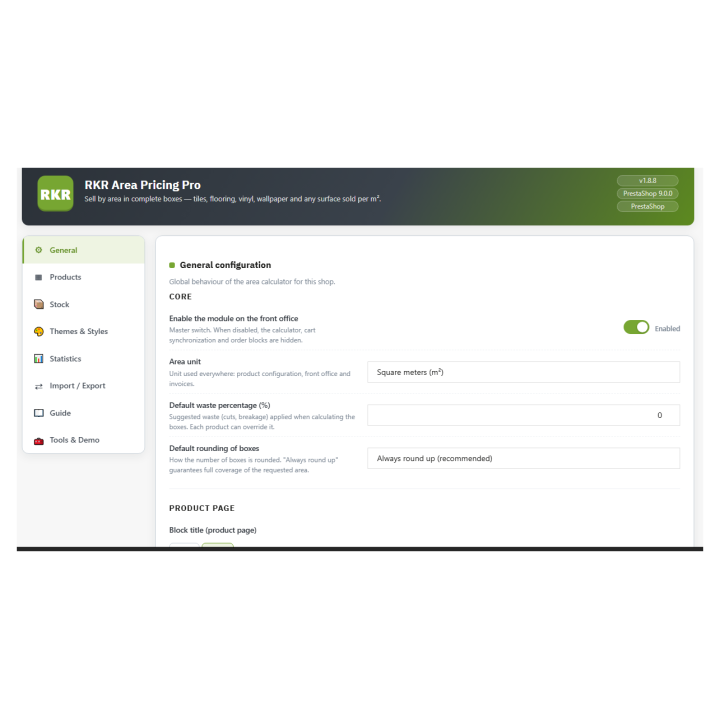
/ A panel with eight tabs
General and Products
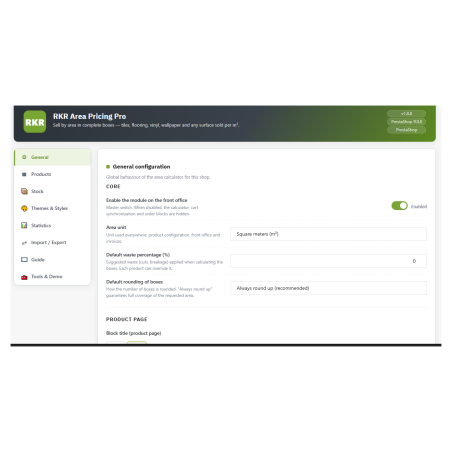
Store unit, shrinkage, rounding, product description text in each language, and what is displayed in the shopping cart, order, PDF, and emails. Products are registered by ID or reference and edited in a table with live search, and also from the product's own tab.
Stock
Declared, sold and available stock, low and out-of-stock alerts, CSV export, movement log and days forecast.
Themes and styles
23 color themes, tunable styles and additional custom CSS, plus 7 attention effects for the calculator (pulse, zoom, brightness…).
Statistics
Indicators and graphs of sales by weight without external services.
Import / Export
CSV files of products, orders, and stock, and a complete backup in JSON format to transfer the configuration to another store.
Guide and Tools
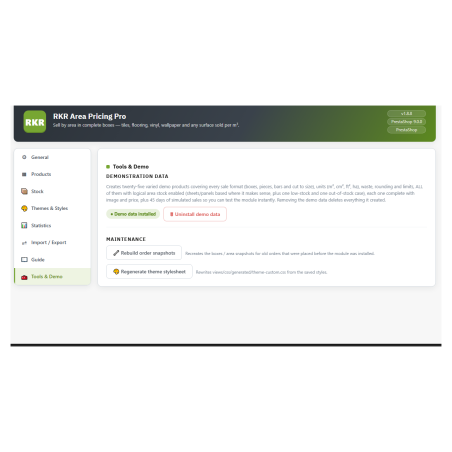
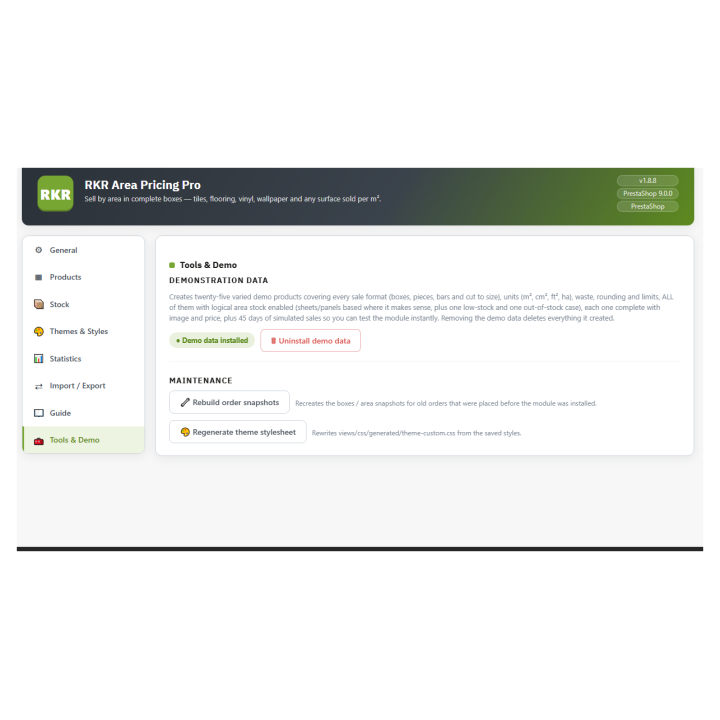
Documentation within the module itself, and demonstration data to see the calculator working before configuring the first product.
The demonstration data is 16 sample products (cement, mortar, gravel, blocks, corrugated sheeting, screws, bulk flour…) with image, stock, and 45 days of simulated sales. They are installed and deleted from the panel.
/ What worries you before installing
Multi-store and multi-language. The configuration is saved per store, and the product details are written in each language. The module includes a Spanish translation.
Updating means uploading the ZIP file. If you uninstall, you can choose to keep your data.
Whole quantities. PrestaShop does not support decimal quantities in the cart, so the module always sells whole units: in the weighing, whole steps.
/ She is part of a family
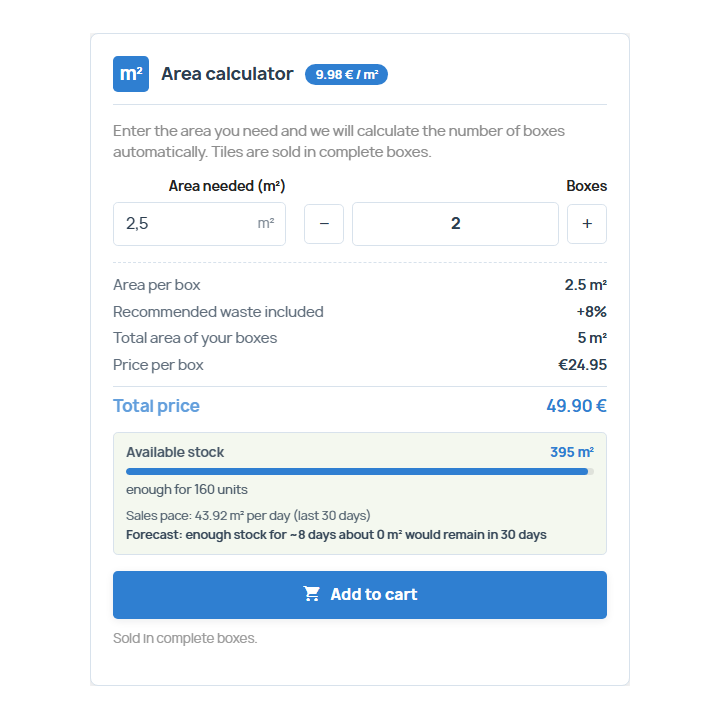
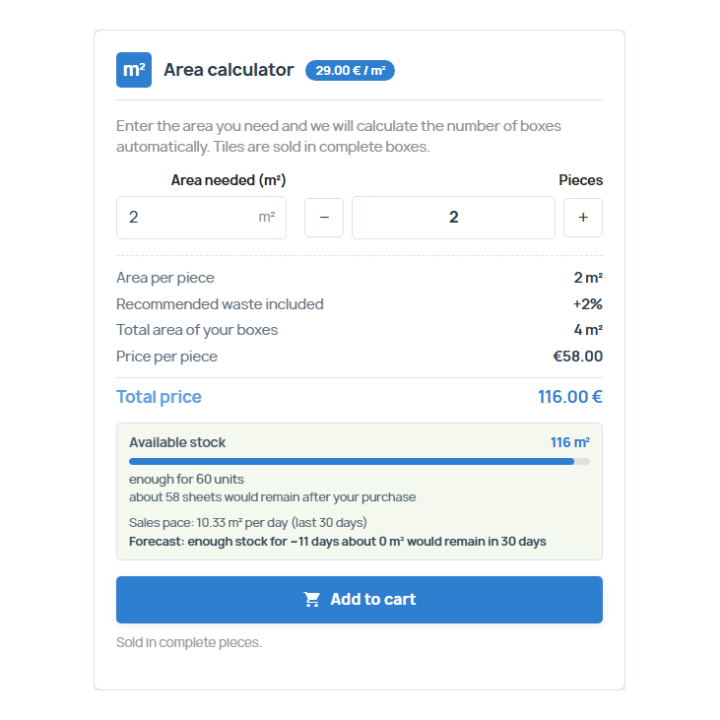
RKR Weight Pricing Pro shares an approach with other modules of Rekire These modules calculate the exact quantity to purchase based on how the product is measured: RKR Area Pricing Pro (by surface area), RKR Linear Pricing Pro (by length), and RKR Volume Pricing Pro (by volume). If you sell different types of materials, each module handles the corresponding products.
Compatible with PrestaShop 1.7.8 a 9.x
Developed and maintained by REQUIRE