


Multiple EANs per product images
Multiple EANs per product
Price:
€108.78
This product can be bought as a subscription. Below you can see what each option includes and what it costs.
First year:
€108.78
tax incl.
From the second year:
€27.20/year
tax incl.
- One year of technical support and lifetime updates; from the second year, support is extended for €27.20/year and includes taking on your general improvement ideas for the module.
- Renews automatically; cancel whenever you want, with no minimum term.
One-time payment:
€108.78
tax incl.
- One year of technical support and lifetime updates; after that, support ends (with the subscription it is extended for €27.20/year).
- A single payment, with no automatic charges.
€89.90 Sin impuesto
€108.78 Con impuesto
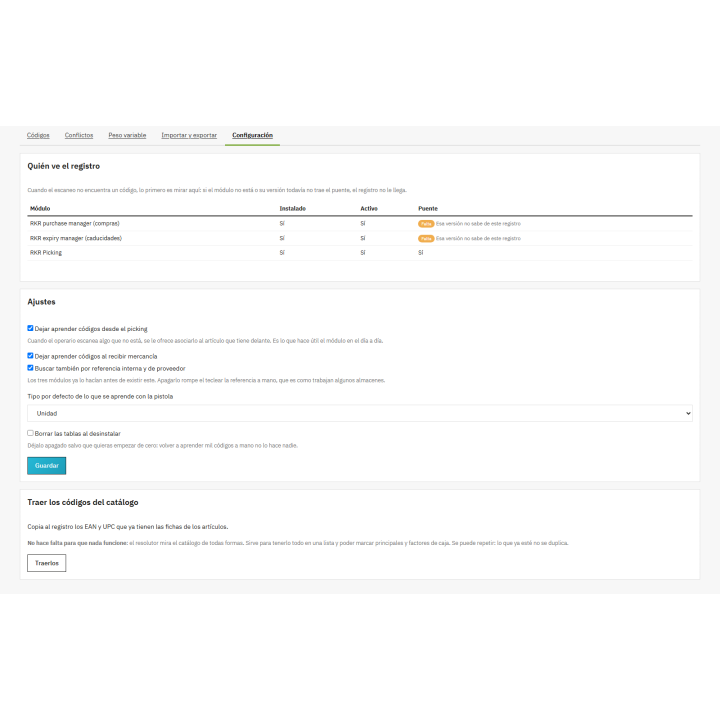
A single barcode system for the entire warehouse: multiple codes per item, the same code for multiple items, checkout codes that total multiple units, and scale labels. Shared for purchasing, expiration dates, and picking.
Compatible with PrestaShop 8 and 9.
Store
It shouldn't have two codes. But it does.
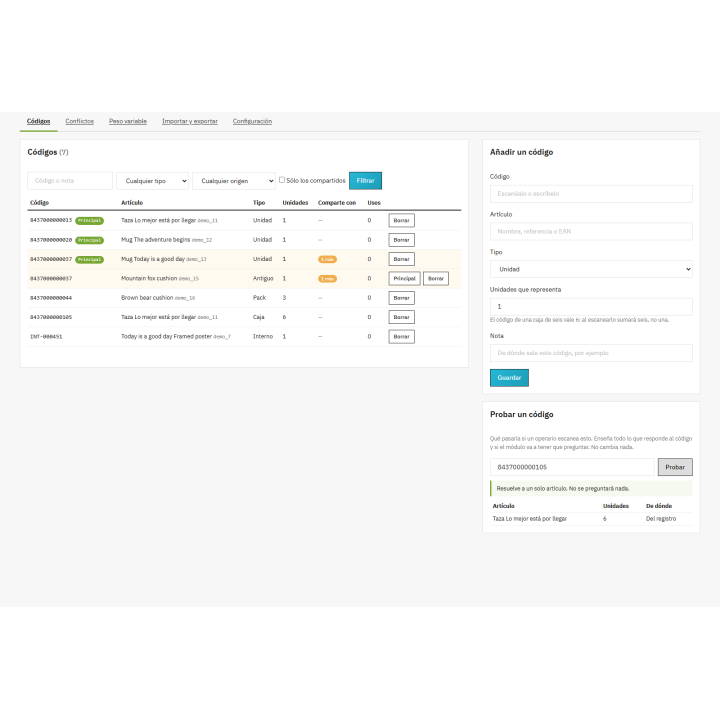
The manufacturer changes the EAN between production runs, the box has its own code, the scale prints a different one on each package, and the supplier reuses theirs. PrestaShop stores one EAN per item. RKR Multiple EANs accommodates all the others.
N codes
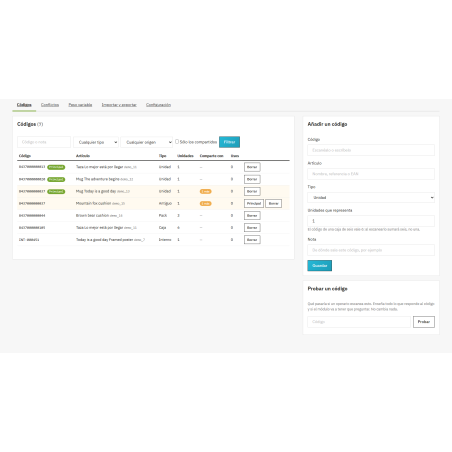
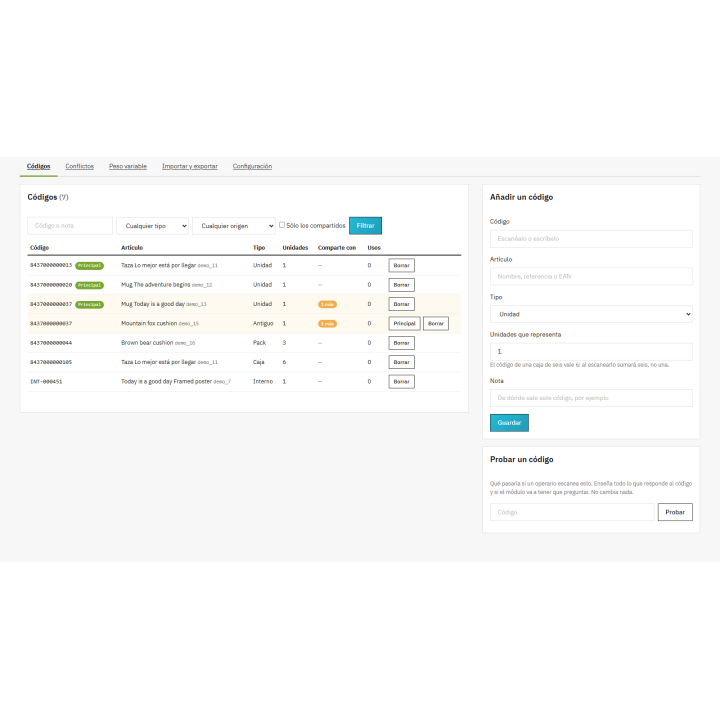
per item, each with its type: unit, pack, box, internal, old or from supplier
x6
The code for a box of six adds up to six units when scanned.
5 checks
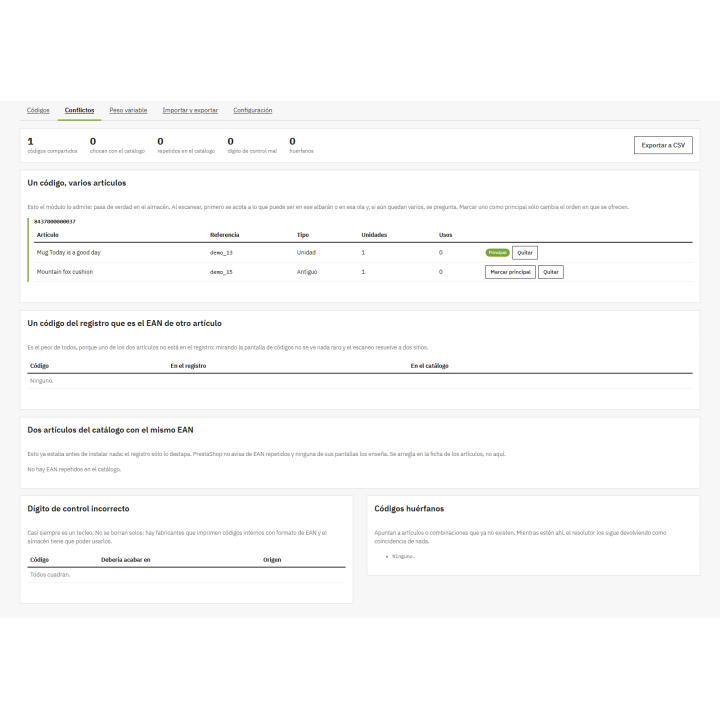
on the conflict screen, to clear what the catalog drags
When a code can be two items, ask
Grabbing the first item that matches is the fastest way to make a mistake without any warning: the error is discovered weeks later, in the inventory or when the customer opens the package. That's why the initial check focuses on what's possible here and now —the lines on that delivery note, those on that wave, the items with expiration dates—which almost always resolves the issue automatically. And if there are still several, ask. It takes two seconds.
What it brings
The same code in several articles
Private label, generic or assorted products that the supplier sells under a single EAN.
Variable weight codes
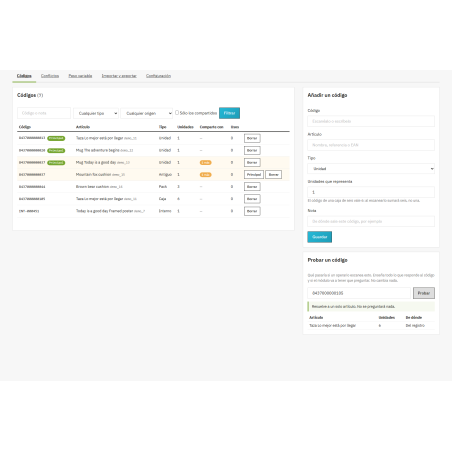
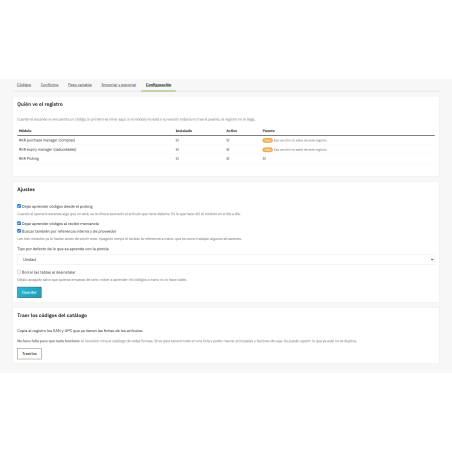
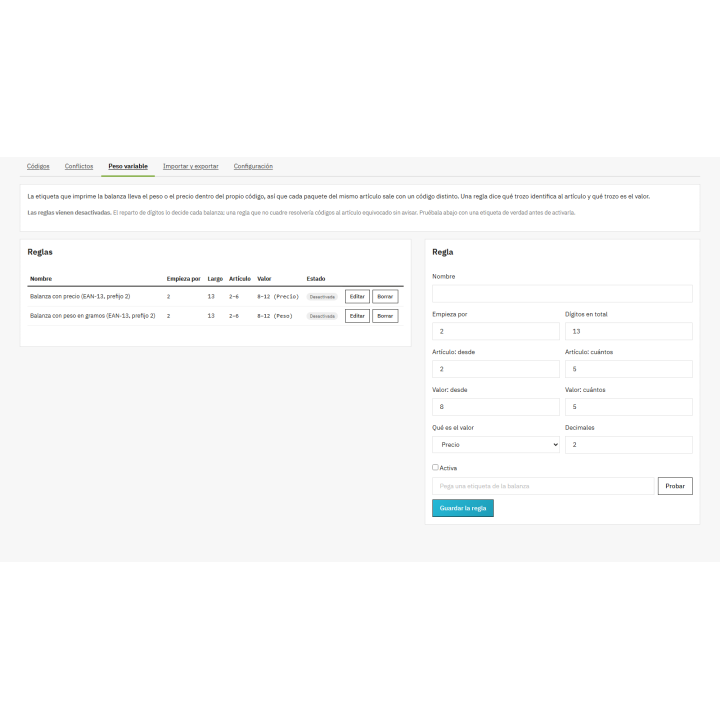
Prefix rules for scale labels, with a tester to adjust them with an actual label before activating them.
Tab in the article details
You manage your codes without leaving the catalog.
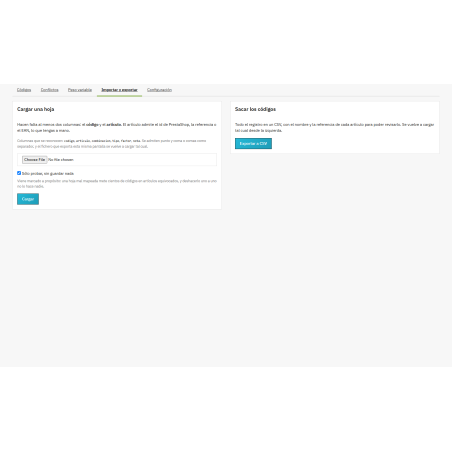
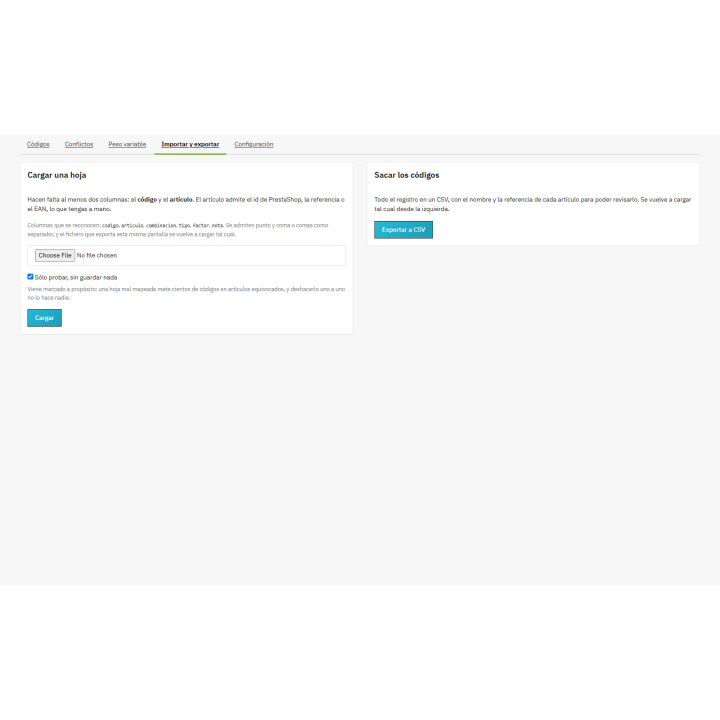
Import and export in CSV
With test mode selected by default.
Learning from the gun
At reception and picking, the operator says whose code it is and doesn't stop again.
Discover the duplicate EANs you already have
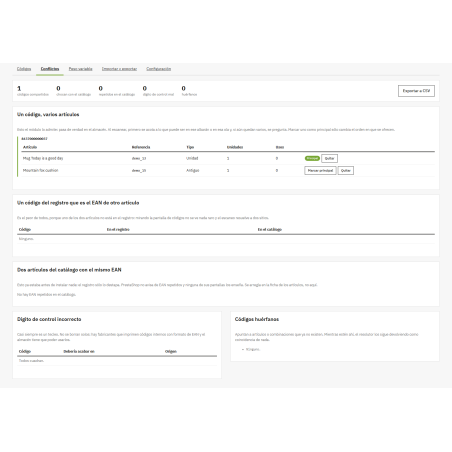
The Conflicts screen displays shared codes, codes that clash with the catalog, duplicate EANs already in your product listings—PrestaShop doesn't warn you about these, and none of its screens show them—, mismatched check digits, and orphaned codes. Almost every store that's been around for years has some of these and never knew it.
It installs and works right away: the registration expands the catalog, it doesn't replace it . The EANs you already have continue to work. It connects with RKR Purchase Manager, RKR Expiration Dates, and RKR Picking, which are installed separately and in any order and continue to function without it. Scale rules are intentionally disabled: the digit allocation is determined by each scale.
Compatible with PrestaShop 8.x and 9.x
Developed and maintained by REKIRE
v1.0.1
Arranged
- All screens returned HTTP 500 (
ClassNotFoundErrorinRekire \Module\MultiEan\Controller\Admin\CodeController) as soon as the back office cache was hot. PrestaShop only loadsmodules/When the kernel started, and the module didn't include it:/vendor/autoload.php config/autoloader.phponly runs when compiling the container. Nowvendor/(just the Composer autoloader, without dependencies) is in the module and in the repository. Incidentally,composer.jsonwasn't valid JSON (\Mnot escaping the namespace).
4 other products in the same category


- New

RKR Volume Pricing Pro: Volume Pricing (m³ and liters) sales with full units and stock for PrestaShop

€96.68
€79.90 Sin impuesto
€96.68 Con impuesto
Product Videos

Simple product module as if they were combinations + canonical + related + accessories
 Blog
Blog
€96.79
€79.99 Sin impuesto
€96.79 Con impuesto
Product Videos
También podría interesarte


€60.44
€49.95 Sin impuesto
€60.44 Con impuesto

€12.09
€9.99 Sin impuesto
€12.09 Con impuesto
- On sale!

€96.79
€79.99 Sin impuesto
€96.79 Con impuesto


€96.79
€79.99 Sin impuesto
€96.79 Con impuesto


€84.69
€69.99 Sin impuesto
€84.69 Con impuesto

€120.99
€99.99 Sin impuesto
€120.99 Con impuesto


€60.50
€50.00 Sin impuesto
€60.50 Con impuesto


€96.79
€79.99 Sin impuesto
€96.79 Con impuesto


€302.50
€250.00 Sin impuesto
€302.50 Con impuesto


€181.50
€150.00 Sin impuesto
€181.50 Con impuesto
Questions and answers
Nobody has asked anything about this product yet.

