€108.78








Recommended






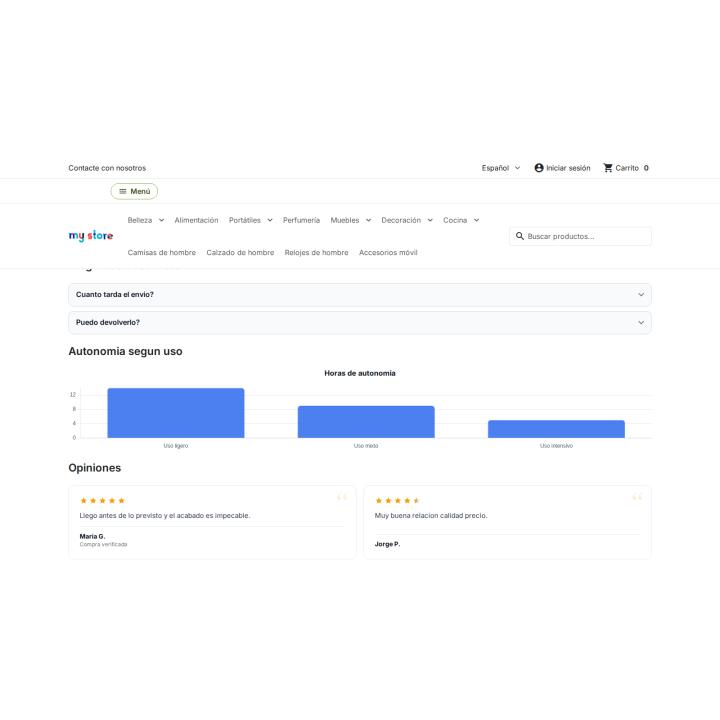
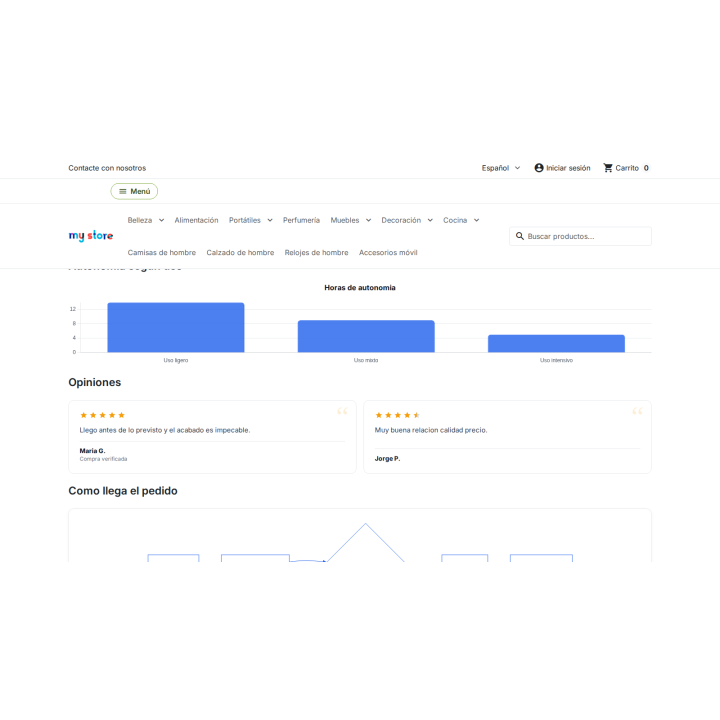
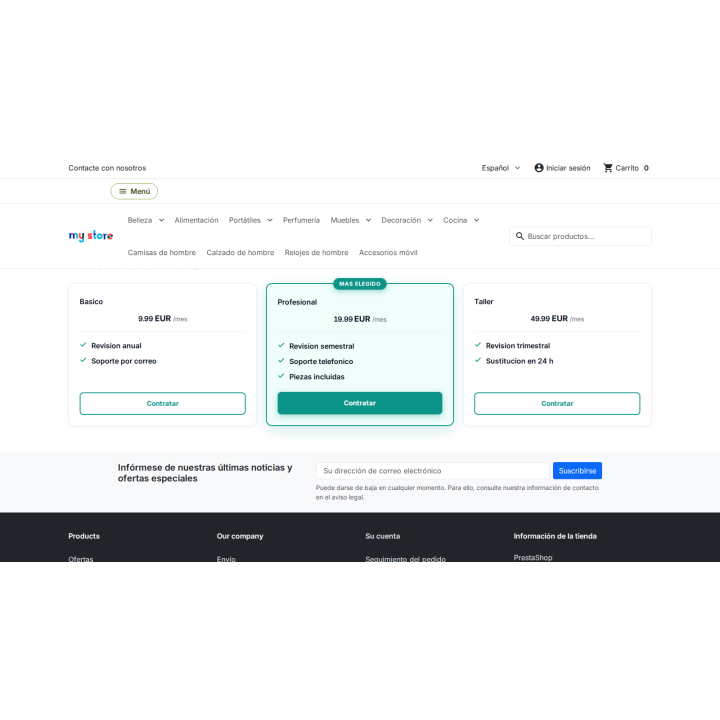
Extra components module for your content images
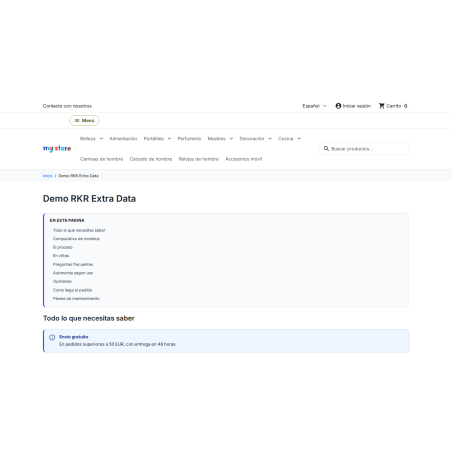
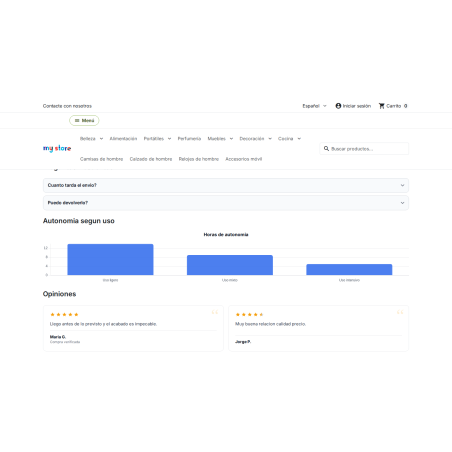
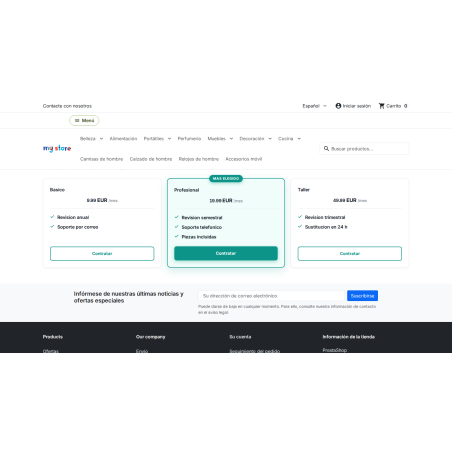
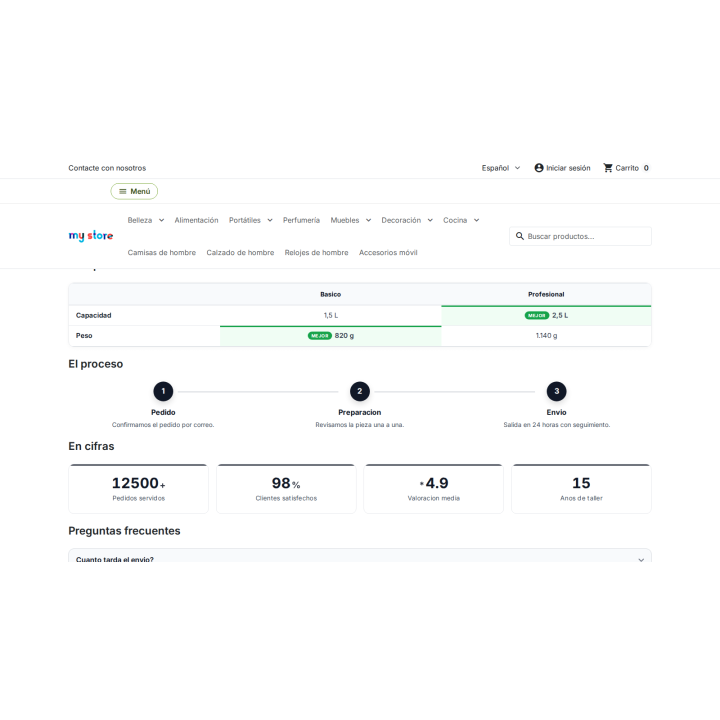
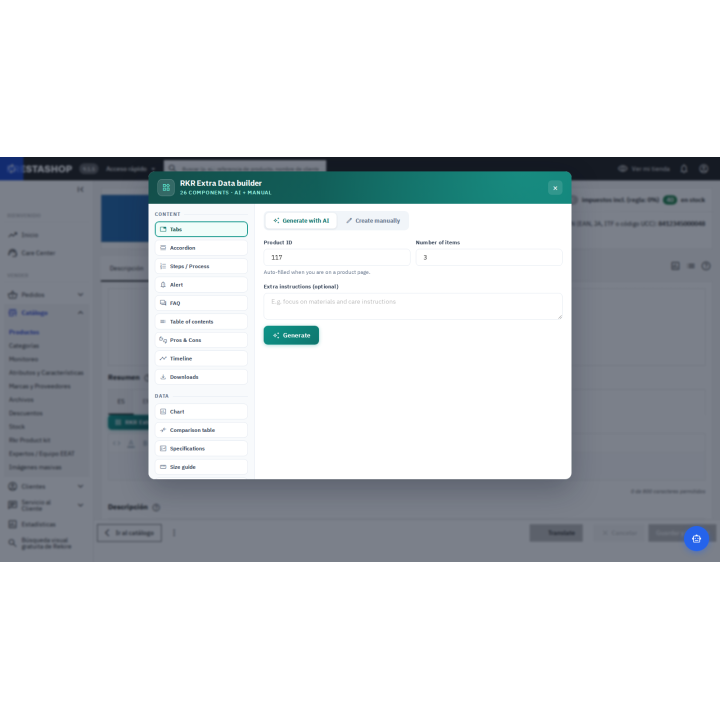
26 components — tabs, accordions, structured data FAQs, comparisons, charts, pricing tables and many more — that you insert into product descriptions, categories and CMS pages with a visual builder or generated by AI.
Compatible with PrestaShop 8.0 through 9.x.
Content that sells
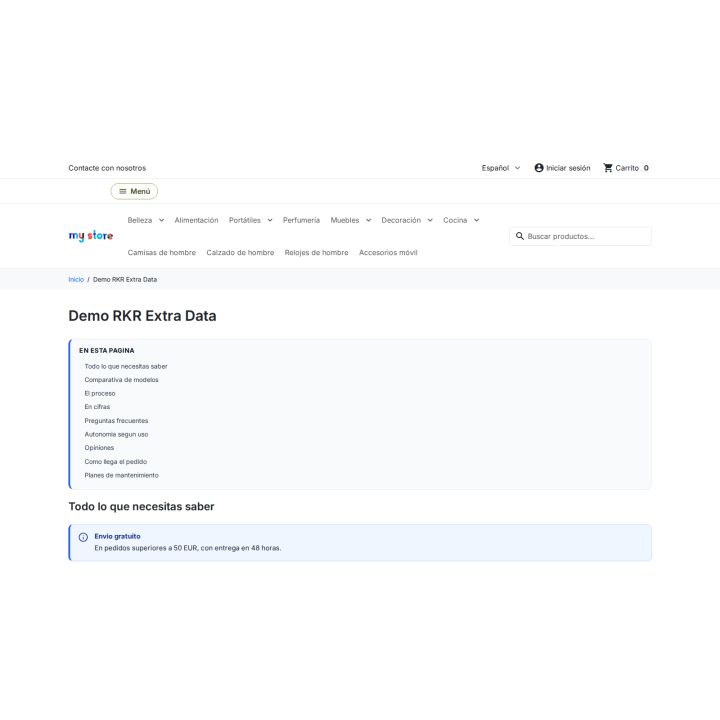
Tabs, FAQs, comparisons, or a size guide would make it useful, but the PrestaShop editor doesn't have them. RKR Extra Data provides them in any store content.
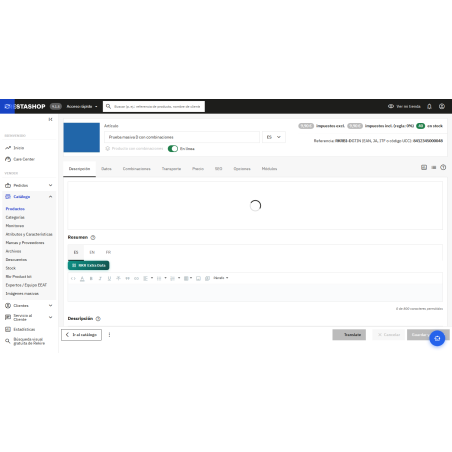
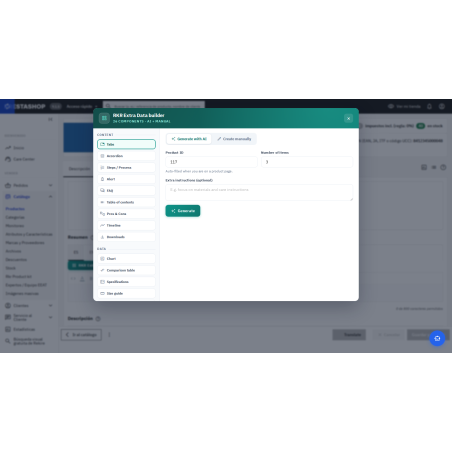
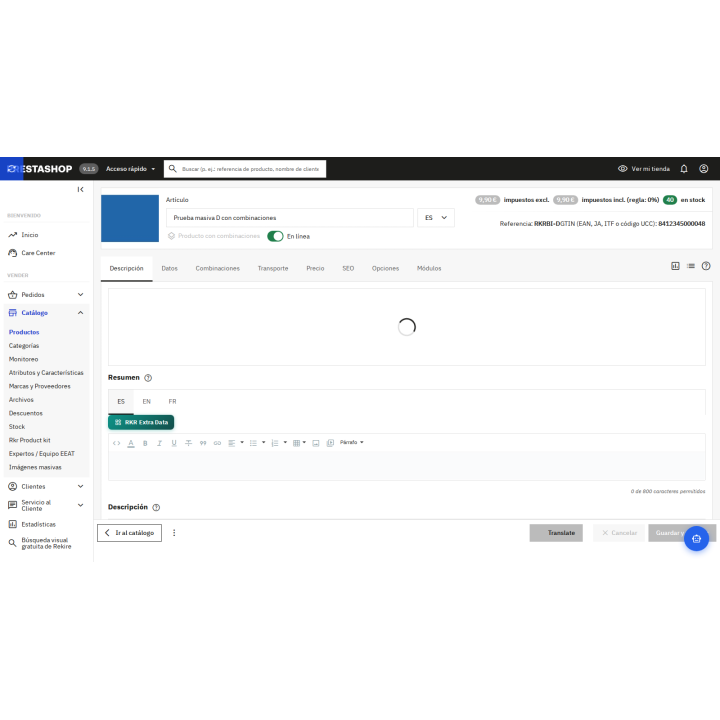
The blocks are written as shortcodes within the HTML and work in product descriptions and summaries, category descriptions, CMS pages and categories, and any module that uses PrestaShop content filtering. Above each editor in the back office, there's a button that opens the builder: no syntax learning is required.
You assemble each block manually using the visual builder or request it from the AI through your preferred provider. And the complete reference for each component, attribute by attribute, is found within the module itself, in its documentation tab.
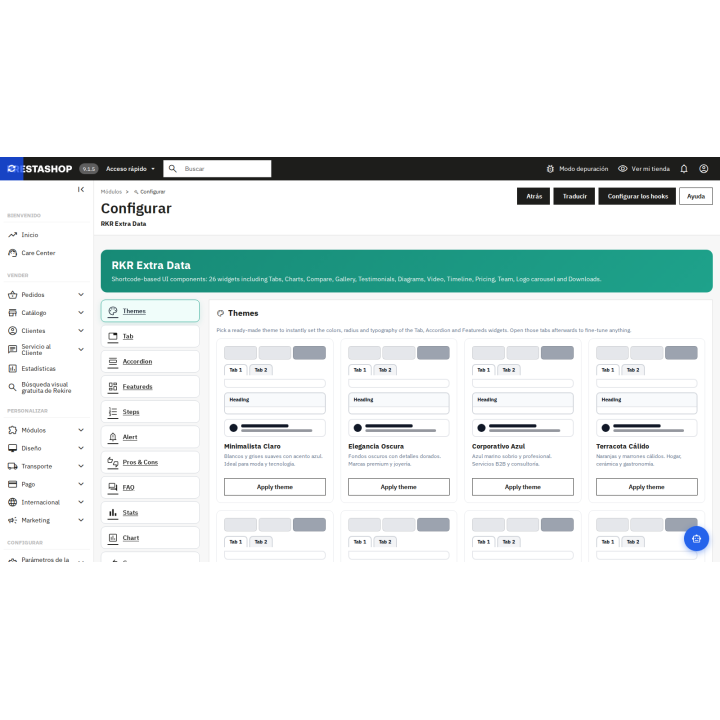
You choose a predefined theme and fine-tune it field by field, component by component. The blocks inherit your theme's typography, and those who want to go further can use CSS variables to change their appearance from the theme's stylesheet. The CSS and JavaScript are only loaded on pages that contain blocks.
One server requirement: Charts and diagrams load their libraries from the module's own folder, so that folder must be web-accessible. If a hosting rule closes it, the chart will be displayed as a table and the diagram will not be drawn. AI generation requires your own key from your chosen provider.
Compatible with PrestaShop 8.0 through 9.x
Developed and maintained by REKIRE














Nobody has asked anything about this product yet.

Be the first to hear what is new at Rekire
New modules, important updates for your PrestaShop and subscriber-only offers. No email, no personal data, and you can unsubscribe in one click.
Add this shop to your home screen
It opens like an app, works offline and loads faster.
Add to home screen on iPhone or iPad