€60.44


Recommended














Carbon footprint module for...

Push notifications module images
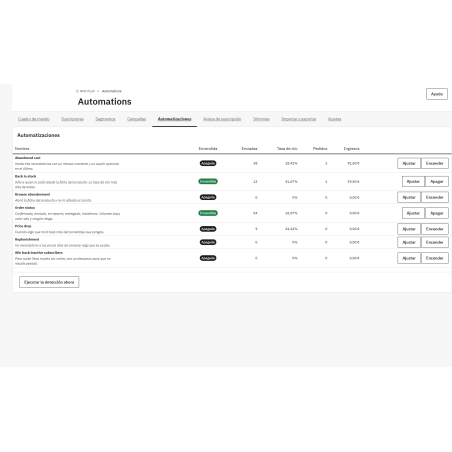
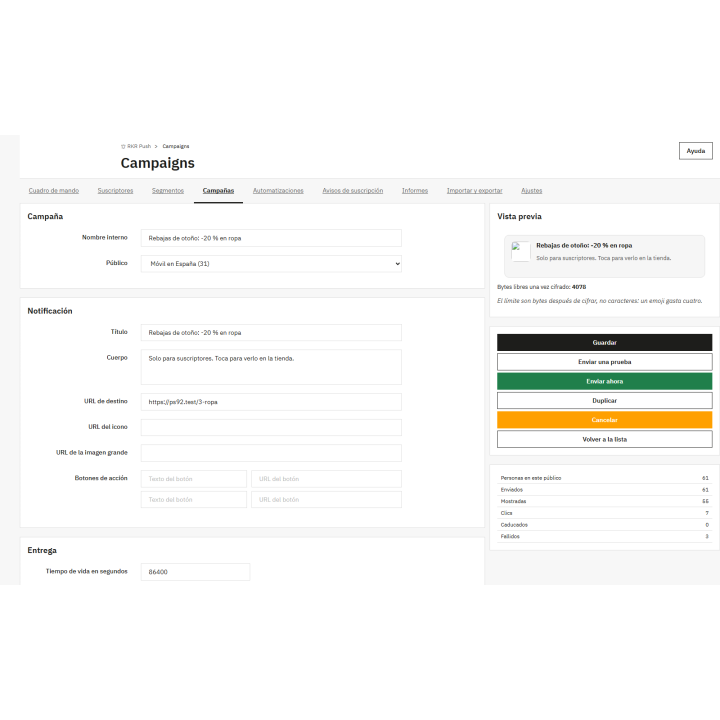
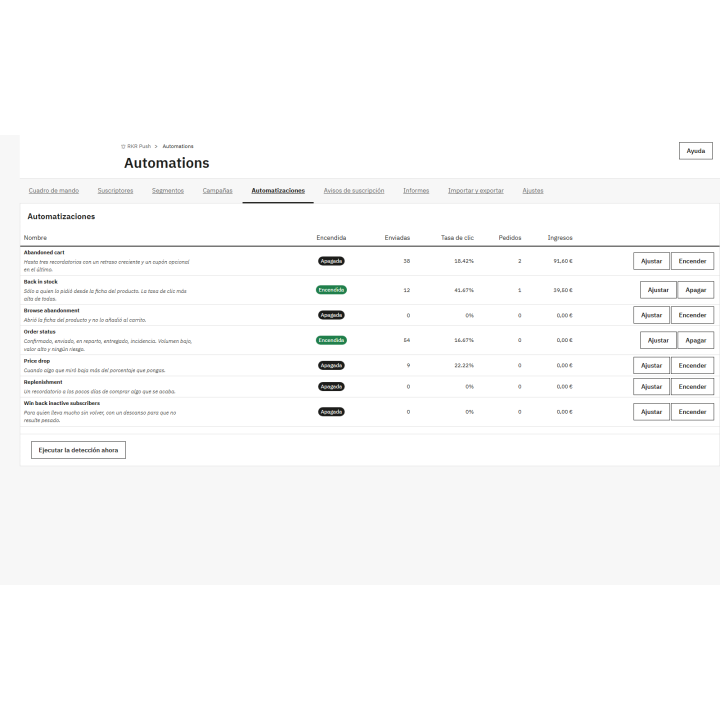
Turn your PrestaShop store into an installable app and add web notifications: abandoned cart, back in stock, price drop, order status, and targeted campaigns. No need to ask for anyone's email address or hire any external services.
Compatible with PrestaShop 1.7.6 through 9.x.
Own channel
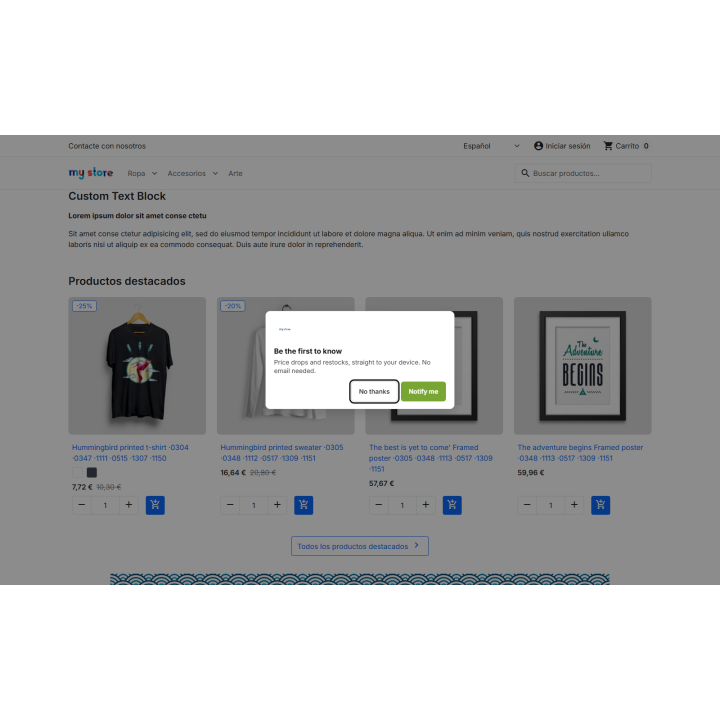
Most visitors don't register or subscribe to the newsletter. RKR Push gives you a way to reconnect with them: a notification in their browser, with their permission, served from your own domain.
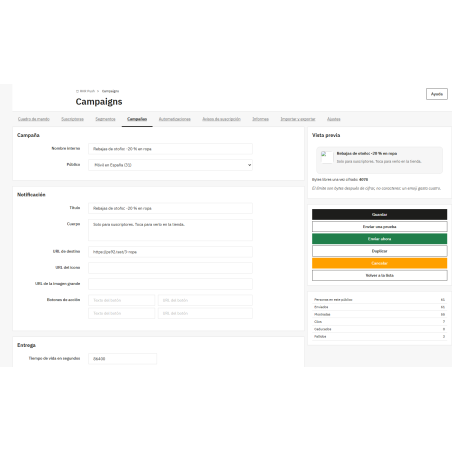
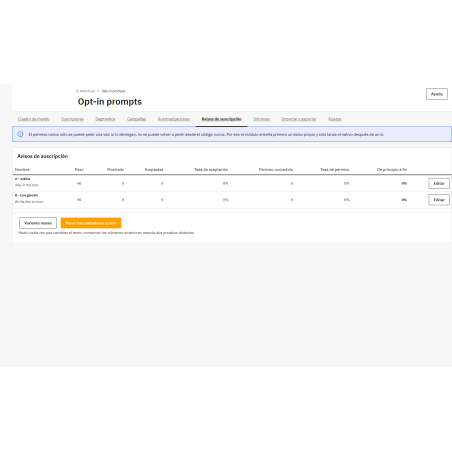
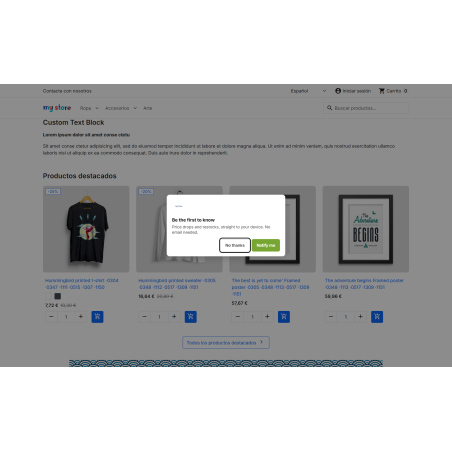
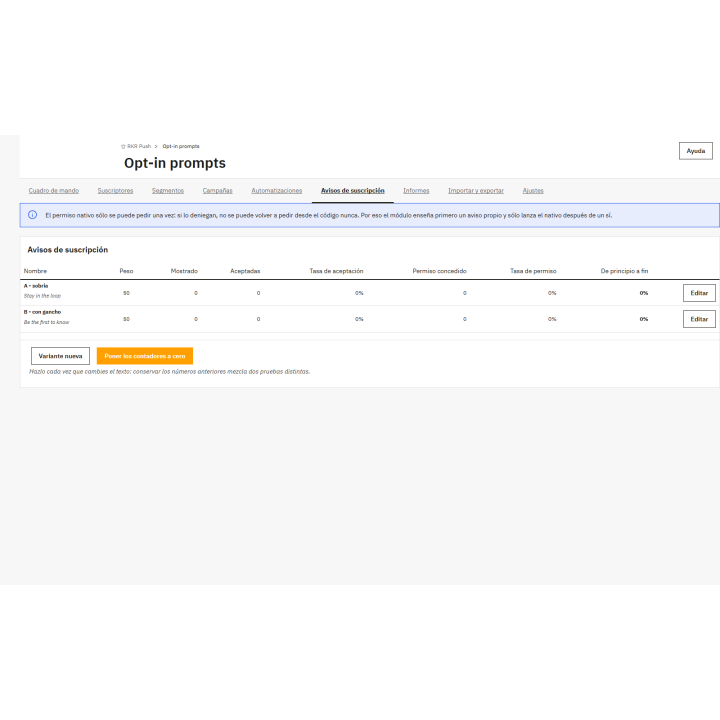
If someone denies the browser's native permission, they can never be asked again. Therefore, the module first displays its own notification—based on time, scrolling, when attempting to exit, after adding items to the cart, or after viewing several pages—and only displays the browser's notification once the user has granted permission. This is done with A/B testing and consent tracking.
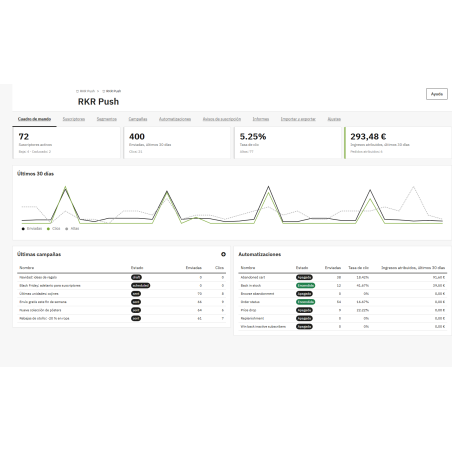
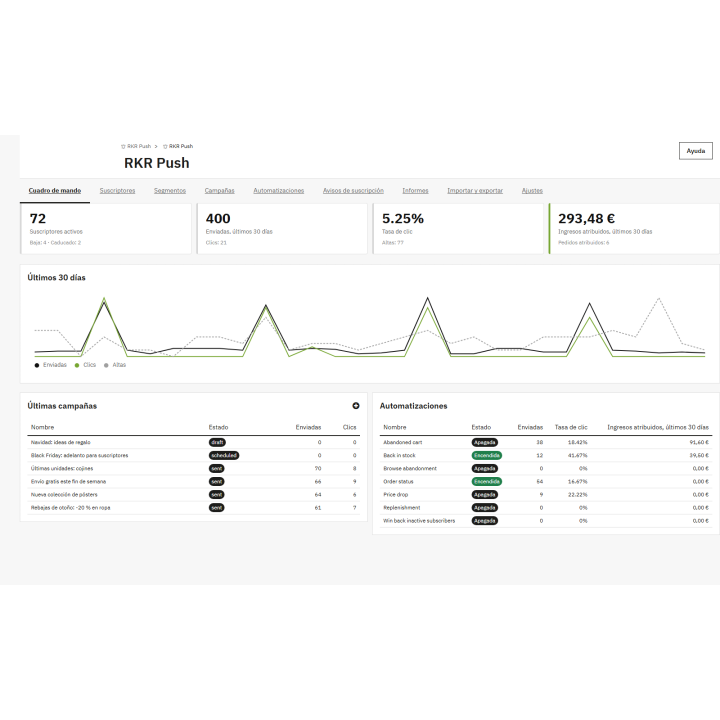
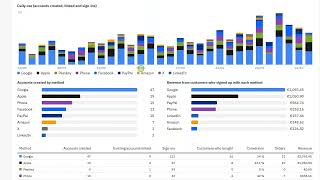
Sent, displayed, clicked, closed, expired, and failed, with the entire funnel. And the number that matters: attributed revenue , with a configurable attribution window that imputes each order only once.
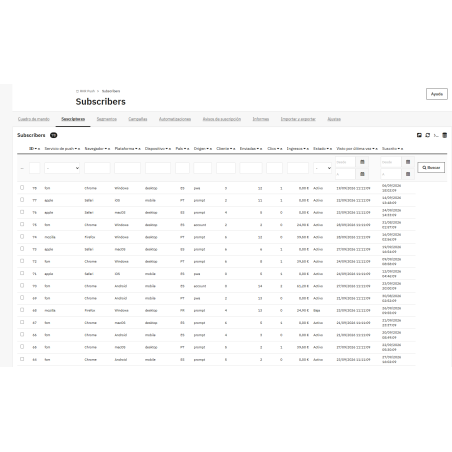
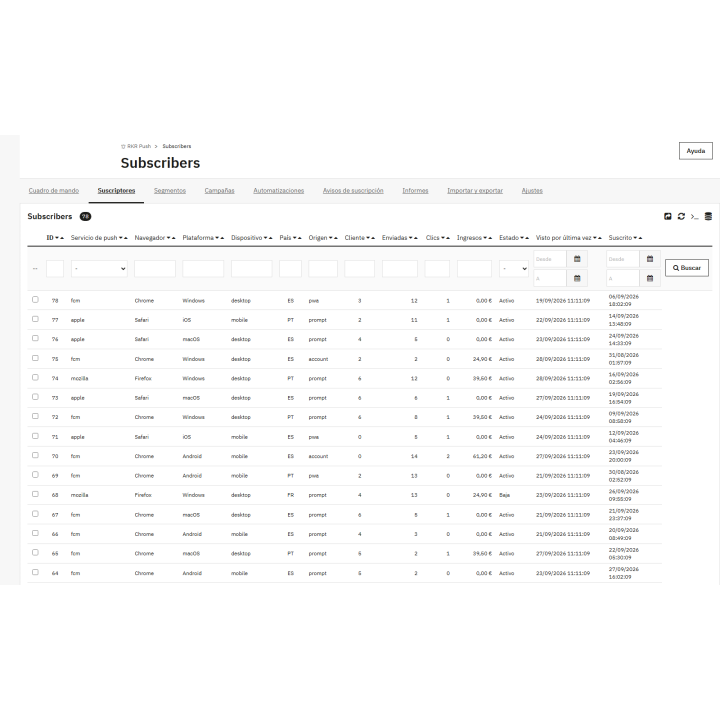
Complete one-click export—subscriptions, keys, segments, templates, and metrics. And if you're coming from PushOwl/Brevo, OneSignal, PushEngage, or Webpushr, the wizard imports your subscribers with their keys or retrieves them via silent resubscription.
What you should know. On iPhone, notifications only work with the website added to the home screen (a limitation of Safari; the module provides a guide for those who don't have it installed). HTTPS is required, and you need to schedule a cron job every five minutes; the URL for this cron job is provided in the settings screen. GDPR compliance: registered consent, cascading deletion, and integration with the official module.
Compatible with PrestaShop 1.7.6 to 9.x PHP 7.4 to 8.3
Developed and maintained by REKIRE
v1.0.1
Security fixes. An update is recommended.
/ includes the administration folder, and pages containing customer data, orders, and tokens were previously stored in the employee's browser cache. Now, it doesn't save anything marked as no-store or private by the server, which is how PrestaShop serves the back office. When the service worker version changes, it deletes the caches from version 1.0.0 , which also removes any existing cached data.v1.0.0
First version.
Service-Worker-Allowed header, and the settings screen checks the actual reach by looking at the headers that actually arrive, including the CDN in front.topic , action buttons, preview, and real byte counter after encryption.curl_multi and its VAPID partner. With the RKR Push Relay connected, it delegates bulk delivery, and if the relay fails to respond, critical transactions are sent from the store.Checked before publishing
Installed and run on PrestaShop 9.1.5 (multi-store, two stores). Four things came out of it that aren't visible when reading the code:
.js doesn't work in PrestaShop. The server ignores routing for anything ending in .gif , .jpg , .png , .css , .js , or .ico . The service worker's path has no extension; the browser looks at the Content-Type .ObjectModel rejects a null date in each UPDATE if the field is not declared with allow_null . It was triggered on the second save, that is, the second time someone subscribed using the same browser.Db::getValue() adds its own LIMIT 1 , so a query with LIMIT ... OFFSET ends up as LIMIT 1 OFFSET 5000 LIMIT 1 and MySQL rejects it. It only happened during daily cleanup: one error per day.Urgency: very-low with a 400 error, even though RFC 8030 defines it; it only accepts high , normal , and low . Without translation, the sample import test would have resulted in all Chrome subscriptions being terminated. Delivery was verified against fcm.googleapis.com : a non-existent endpoint returns a 410 error, which proves that the service accepts the VAPID signature and encryption, and that the module interprets it as a permanent termination.























Nobody has asked anything about this product yet.