- New






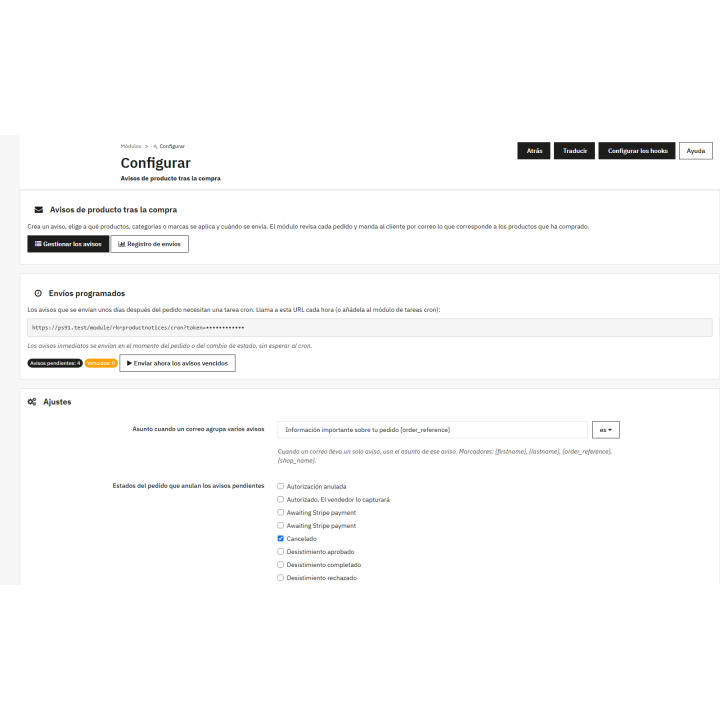
Email reminders and notifications module images
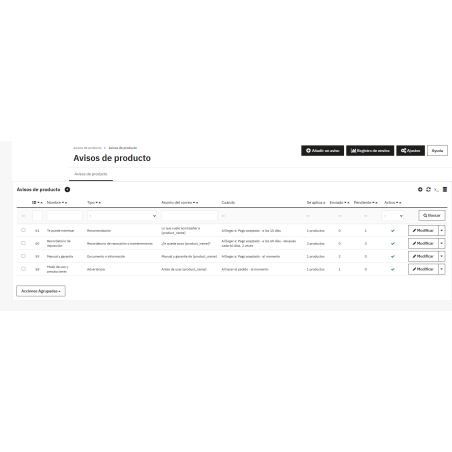
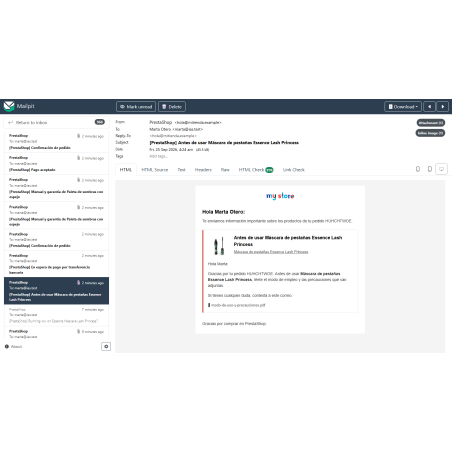
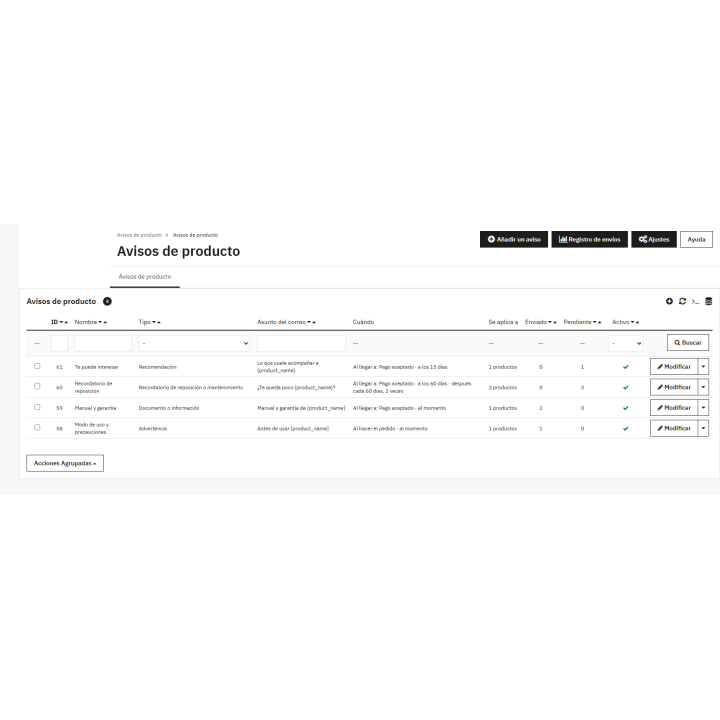
Review the products in each order and email the customer the relevant information: warnings, manuals, legal documents, restock reminders, and recommendations . This email should be sent upon order placement or when the order reaches a certain stage, either immediately or after a certain number of days, and can be repeated if desired. The email should include attached documents, a " buy again" button, shipping records detailing the reason for each omission, and an unsubscribe link for marketing communications. No external services are used.
After-sales
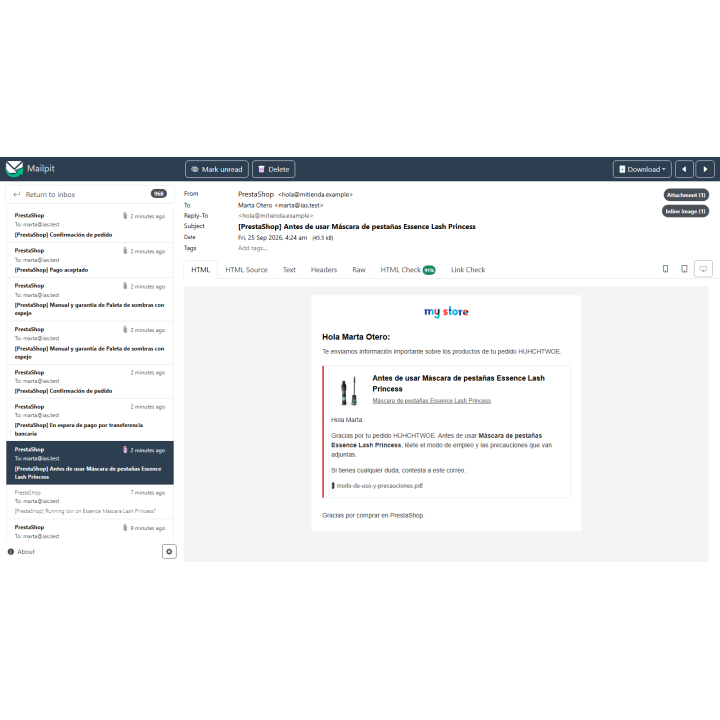
The customer buys something that requires instructions, a safety data sheet, or a warranty certificate. You send it to them, by hand, one by one… or no one sends it, and they write to you three days later asking. RKR Post-Purchase Product Notifications checks the contents of each order and emails the customer the relevant information: warnings, manuals, legal documents, restock reminders, and recommendations.
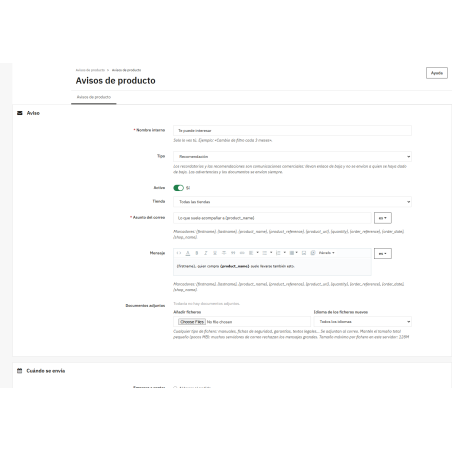
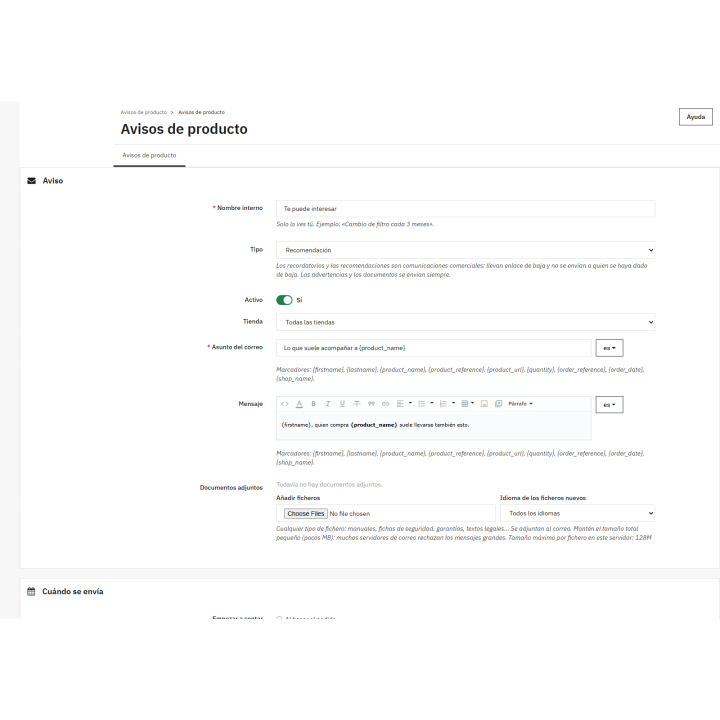
Subject and message in each language of the store , with placeholders that fill in the rest: {firstname} , {product_name} , {product_reference} , {quantity} , {order_reference} , {order_date} . The same notice applies to an entire catalog.
And bring any documents you want to attach . They are saved in the store's protected folder, not a public one, and only appear as email attachments or downloaded from the back office.
Reminders and recommendations can include a button that adds the same product and combination to the cart and opens it. The customer doesn't need to be logged in: they log in at checkout, as usual.
It only appears if the product is actually available for purchase at that moment, and each click is counted in the record and in the order details.
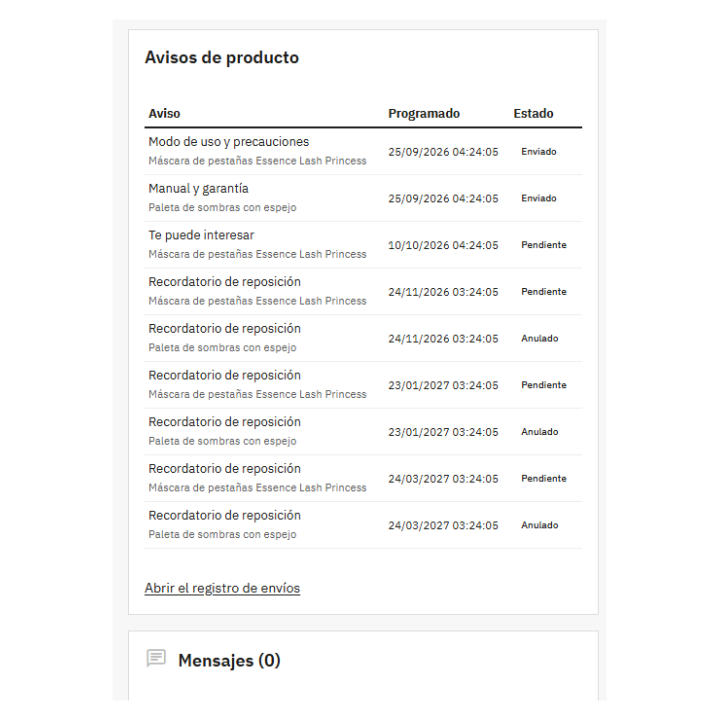
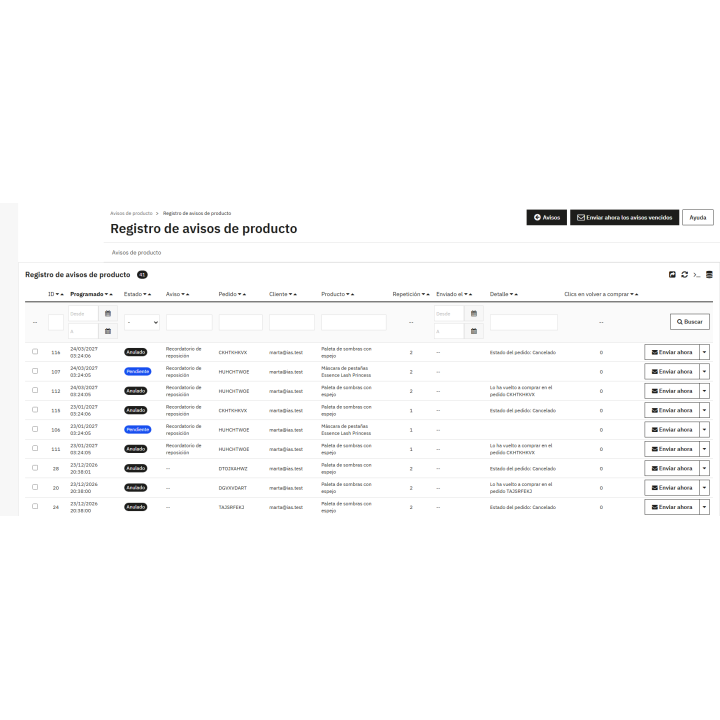
Everything scheduled, sent, omitted (with the reason), and canceled. A canceled order cancels its pending notifications; a returning customer cancels the reminders for the previous order, and both are recorded there. From the registry, a line is sent immediately, or any remaining lines are canceled.
And the summary appears on each order record, so when a customer asks for the manual they can't find, the answer is in their order.
Warnings and documents are always sent: they contain product information. Reminders and recommendations are different, so they include an unsubscribe link, are not sent to those who have unsubscribed, and, if you select the option, are only sent to those who have given their consent.
The unsubscribe and repurchase links are signed : they cannot be faked. And unsubscription is confirmed with a button, not by opening the link, because email antivirus programs scan the links and would unsubscribe people who didn't request it.
Compatible with PrestaShop 8.0 and 9.x, with PHP 7.2 to 8.3. Tested on 8.2.8 and 9.1.5 with multi-store.
Developed and maintained by REKIRE
v1.0.0
First version.
Nobody has asked anything about this product yet.